1
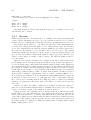
3.10. THE GL GRAPHICS LIBRARY
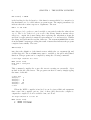
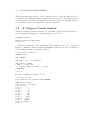
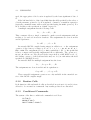
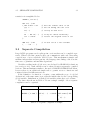
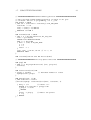
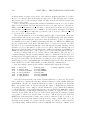
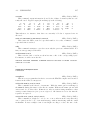
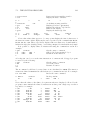
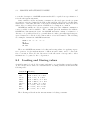
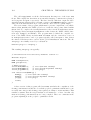
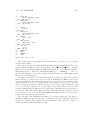
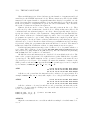
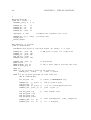
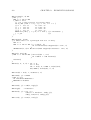
GET "libhdr"
MANIFEST { g_sdlbase=nnn
97
} // Only used if the default setting of 450 in
// libhdr is not suitable.
GET "sdl.h"
This library is currently described in Chapter 4 of bcpl4raspi.pdf available from my
home page.
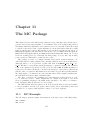
3.10
The GL Graphics Library
This library is still under development
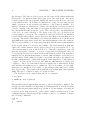
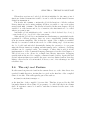
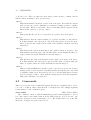
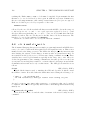
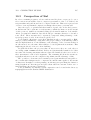
OpenGL is a sophisticated graphics library allowing 3D images to be drawn on
the screen efficiently using the full power of the graphics hardware available on most
machines. On most desktop and laptop machines the full OpenGL library is available,
but on handheld devices only a simplified version called OpenGL ES is available. The
BCPL interface is designed to work with whichever version of OpenGL is available.
This library essentially provides a subset of the OpenGL ES features. Note that the
GL interface on the Raspberry Pi uses OpenGL ES.
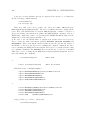
To include these features in cintsys it is necessary to install the OpenGL libraries on you machine and then build cintsys using a Makefile such as MakefileGL,
MakefileRaspiGL or MakefileVCGL.
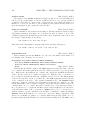
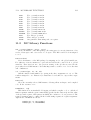
The GL library uses the sys(Sys gl,...) functions. There is a header file
(g/gl.h) declaring the various constants and globals available in the GL library, and
g/gl.b contains the definitions of several functions providing the interface to OpenGL.
The constant g glbase is set in libhdr to be the first global used in the GL library.
It can be overridden by re-defining g glbase after GETting libhdr.
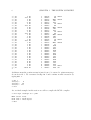
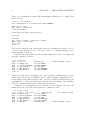
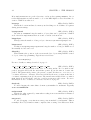
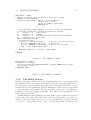
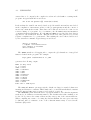
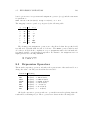
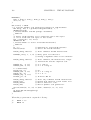
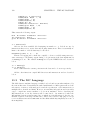
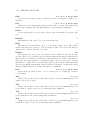
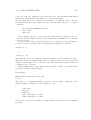
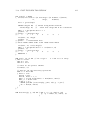
A program wishing to use the OpenGL library should start with the following lines.
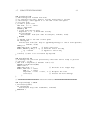
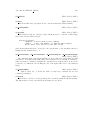
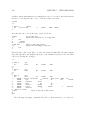
GET "libhdr"
MANIFEST { g_glbase=nnn
GET "gl.h"
GET "gl.b"
.
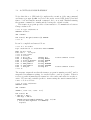
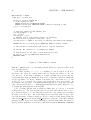
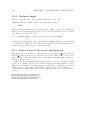
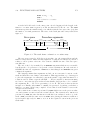
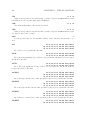
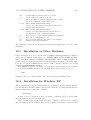
GET "libhdr"
MANIFEST { g_glbase=nnn
}
// Only used if the default setting of 450 in
// libhdr is not suitable.
// Insert the library source code
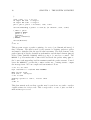
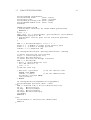
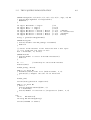
}
// Only used if the default setting of 450 in
// libhdr is not suitable.
GET "gl.h"
This library will be described in Chapter 5 of bcpl4raspi.pdf available from my home
page.