1
WVRC-4 Installation and Operation Manual
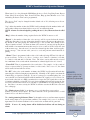
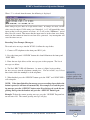
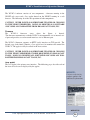
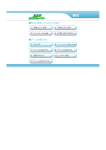
System Setup
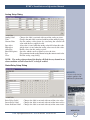
Network Setup
Schedule Setup
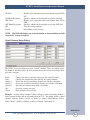
Analog Setup
Status/Relay Setup
Virtual Setup
Silence Alarms
Show Log
to allow pop-ups
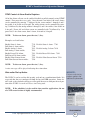
User Defined Button
About
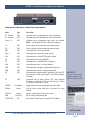
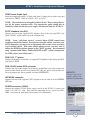
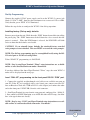
Displays the System Setup dialog described below
Displays the Network Setup dialog described below
Displays the Schedule Setup dialog described below
Displays the Analog Setup dialog described below
Displays the Status/Relay Setup dialog described below
Displays the Virtual Setup dialog described below
Sends the Silence (clear) Alarms command to the WVRC-4
Displays the event log as a text file in the browser
(IP/log.txt). Be sure
Displays a user-defined label and activates a user-defined
URL when clicked (Example: URL of site camera, etc)
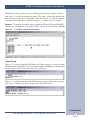
Displays the About dialog described below
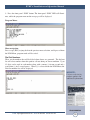
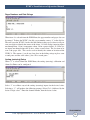
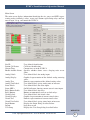
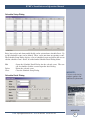
Login Dialog
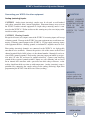
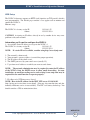
The Login dialog asks the user for a username and password. This information is
used to determine the user’s privilege level and the commands the user can execute.
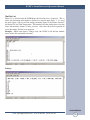
Default Username
Default Password
wvrc4 or admin (lower case)
wvrc4 (lower case) or 1234
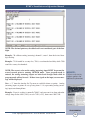
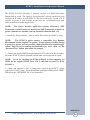
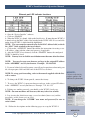
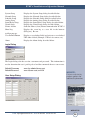
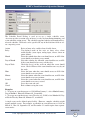
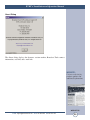
User Setup Dialog
WEBSITE:
Visit our web site for
product updates and
additional information.
WEB SETUP
e-mail: [email protected] voice: 360.854.9559 fax: 866.783.1742
28