1
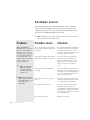
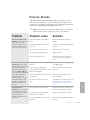
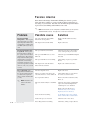
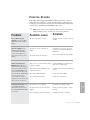
C o n t r o l F u n c t i o n D e s c r i p t i o n s (continued)
Screen
Function
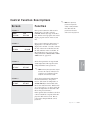
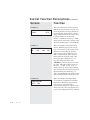
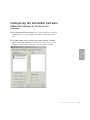
SCREEN 92
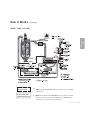
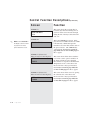
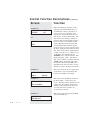
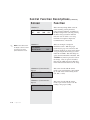
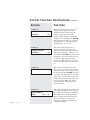
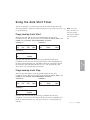
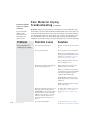
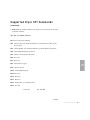
This is an example of one of the alarm
history screens. The first two numbers of
the first line show what alarm you are
viewing in the list. This example is the
first alarm in the list 00. The letter after
the : P or : S shows if the alarm was a
passive or shutdown alarm. The second
line shows the date and time when the
alarm occurred. By pressing the Select
Category button under the word Info, the
display can show a number of screens that
are a snapshot of information that was
happening when the alarm occurred.
00:S-REGEN RTD
1/31/00 09:24 P
INFO
ALARM ACTIVATED FOR
10.3 MINUTES
DIAGNOSTIC EVENTS
ALARMS
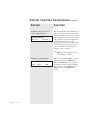
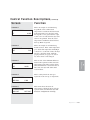
SCREEN 95
REGEN HIGH TEMP
P-0
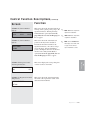
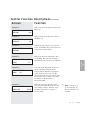
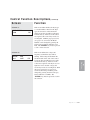
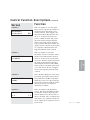
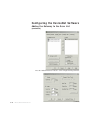
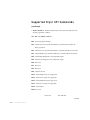
This is an example of the Event Freq.
screens. This shows the number of times
an alarm has occurred. By pressing the
next key in this section, the user can see
info for all alarms. The “S” indicates how
many times it was a shutdown alarm and
the “P” indicates how many times it was a
passive alarm.
Operation l 4-31
4
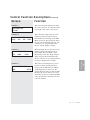
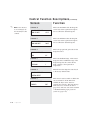
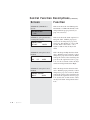
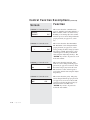
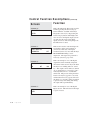
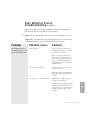
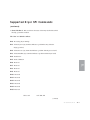
This is the Dryer Diagnostic screen. It can
be found by pressing the Select Category
button under the word Hist on the Dryer
Diagnostics screen (91). By pressing the
Select Category buttons under the alarms,
the user can select to see diagnostic
information for Alarms.
SCREEN 94
S-0
Operation
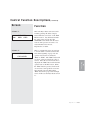
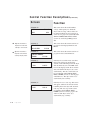
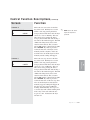
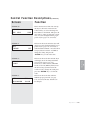
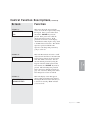
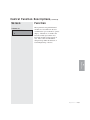
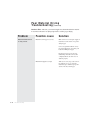
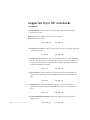
This is an example of one of the
Information screens for an alarm. This is
the first screen under the Info shown on
screen 92. It shows how long the alarm
was active. The time shown is from when
the alarm occurred until the alarm was
acknowledged and cleared. The “Next”
button can be pressed while at this screen
to see other items in the list of snapshot
info that was happening when the alarm
occurred.
SCREEN 93