1
LOGIN AND PASSWORD
When the Login pop-up for the Router
appears, please enter “admin” for the
username to access the configuration screen.
(Note: By default, there is no password. If
you cannot get in, please reset the router by
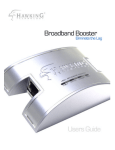
pressing the button next to the antenna on the
back of the router and try logging in again.)
When the menu bar on the left loads, select
the “SETUP WIZARD” option on the top
menu bar. More information on the next
page regarding the different types of
Internet Service Providers (ISP’s)
HWR54G
Hawking Technologies, Inc.
P5