1
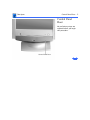
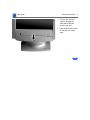
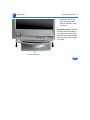
Take Apart
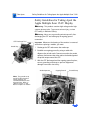
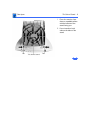
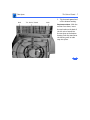
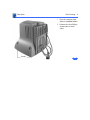
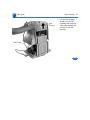
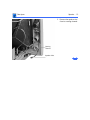
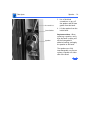
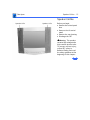
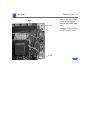
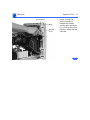
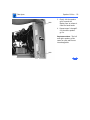
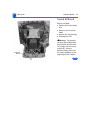
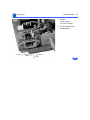
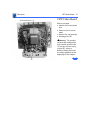
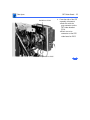
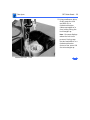
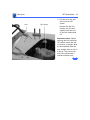
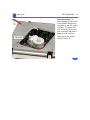
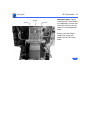
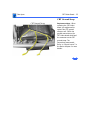
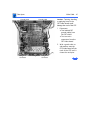
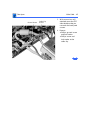
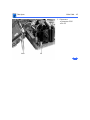
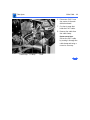
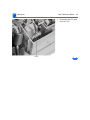
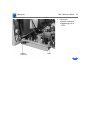
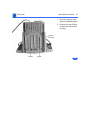
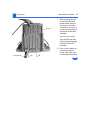
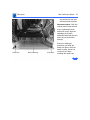
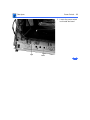
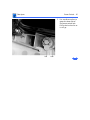
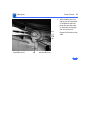
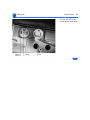
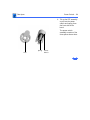
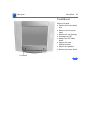
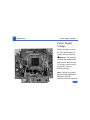
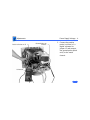
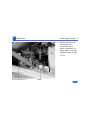
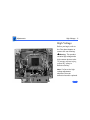
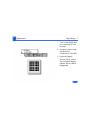
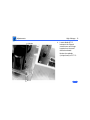
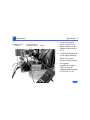
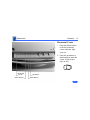
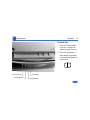
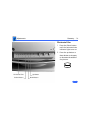
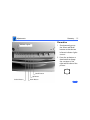
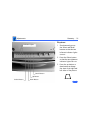
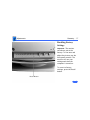
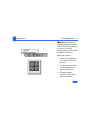
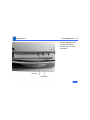
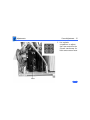
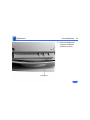
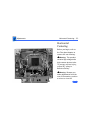
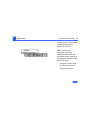
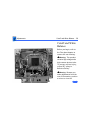
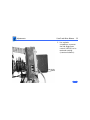
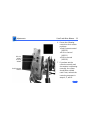
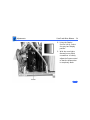
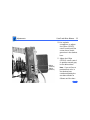
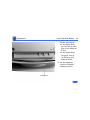
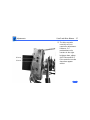
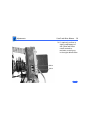
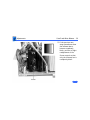
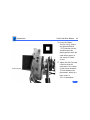
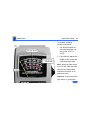
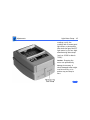
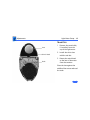
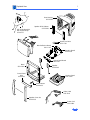
Video Cable - 40
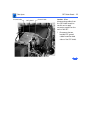
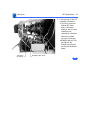
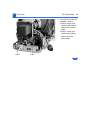
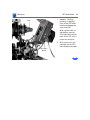
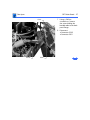
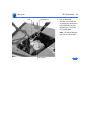
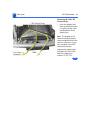
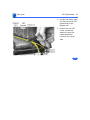
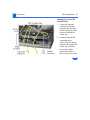
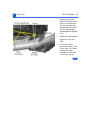
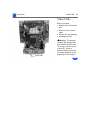
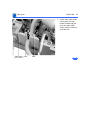
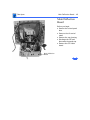
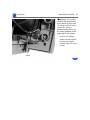
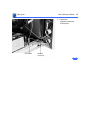
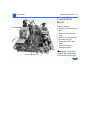
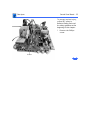
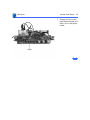
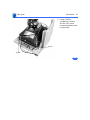
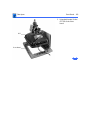
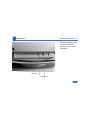
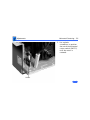
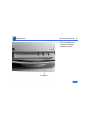
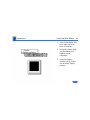
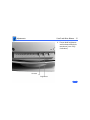
Video Cable
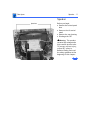
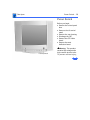
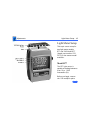
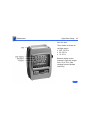
Before you begin,
• Remove the control panel
door
• Remove the tilt-swivel
stand
• Remove the rear housing
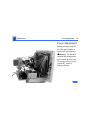
• Discharge the CRT
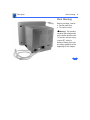
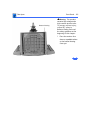
This product
contains high voltage and a
high-vacuum picture tube.
To prevent serious injury,
review CRT safety in
Bulletins/Safety and read
the safety guidelines at the
beginning of this chapter.
±Warning:
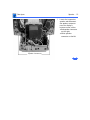
Video Cable