1
Installing the VoIP V2 Speaker 31
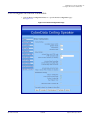
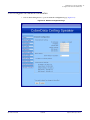
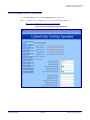
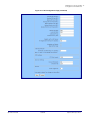
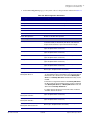
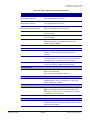
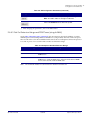
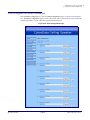
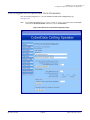
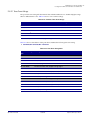
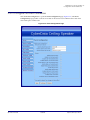
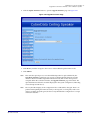
Configure the Device Parameters
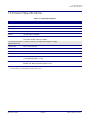
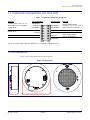
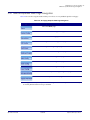
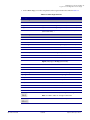
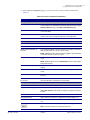
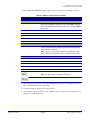
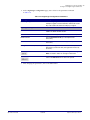
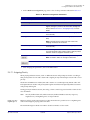
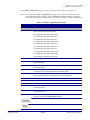
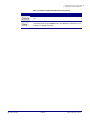
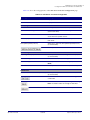
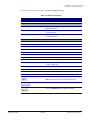
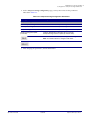
Table 2-6. Device Configuration Parameters (continued)
Web Page Item
Description
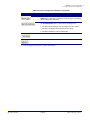
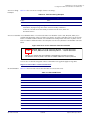
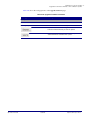
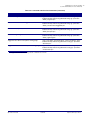
Click on the Test Audio button to do an audio test. When the Test
Audio button is pressed, you will hear a voice message for testing the
device audio quality and volume.
Click on the Test Microphone button to do a microphone test. When
the Test Microphone button is pressed, the following occurs:
1. The device will immediately start recording 3 seconds of audio.
2. The device will beep (indicating the end of recording).
3. The device will play back the recorded audio.
Click on the Test Relay button to do a relay test.
Click on the Reboot button to reboot the system.
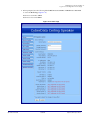
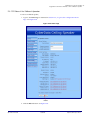
3. After changing the parameters, click the Save button.
Operations Guide
930468A
CyberData Corporation