1
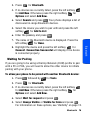
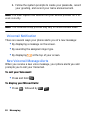
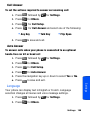
6. Enter the passkey and press
.
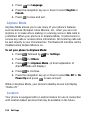
7. Follow the on screen prompts to enter your passkey and
press
.
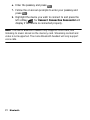
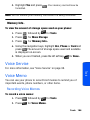
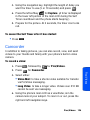
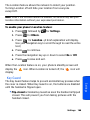
8. Highlight the device you wish to connect to and press the
left softkey
for Connect. Connection Successful will
display if the device is connected properly.
Note: The stereo Bluetooth headset only supports voice calls, and
listening to music stored on the memory card. Streaming content and
video is not supported. The mono Bluetooth headset will only support
voice calls.
77 Bluetooth