1
20
Note
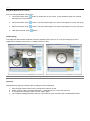
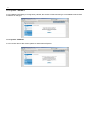
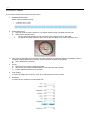
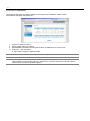
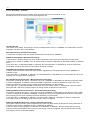
1. Click “SET” button to save the changes for video setting.
2. Click “DEFAULT” button to initialize the video setting.
Note
Menu might be different depending on the DVR model.
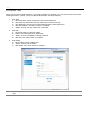
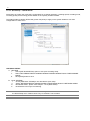
1.5.6. Device - Audio
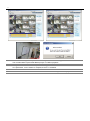
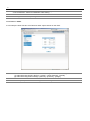
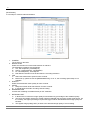
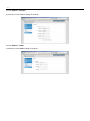
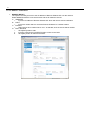
It is for setup the audio function on/off and live audio output channel on the DVR..
Note
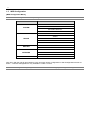
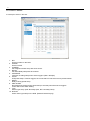
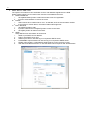
To add audio into video record data, the audio recording channel should be assigned as the follows.
(1) Audio Recording On/Off : [Device] – [Audio] – [Audio Channel] - [On/Off]
(2) Audio Recording Channel Assign : [Record] – [Camera] – [Assign]
Note
The two way setup is not available through the WEB configuration.