1
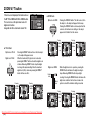
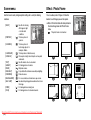
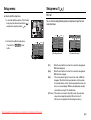
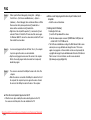
Scene menu
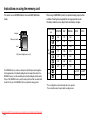
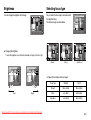
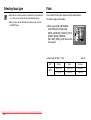
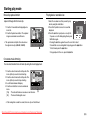
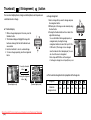
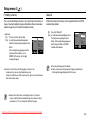
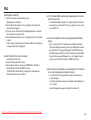
Effect : Photo Frame
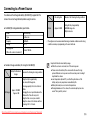
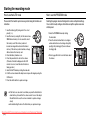
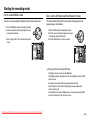
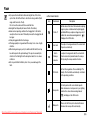
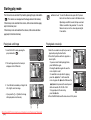
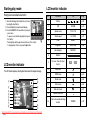
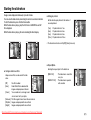
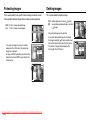
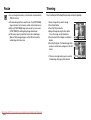
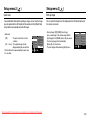
Use the menu to easily configure optimal settings for a variety of shooting
situations.
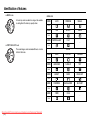
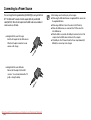
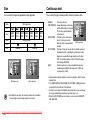
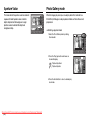
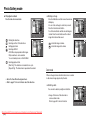
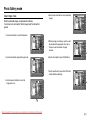
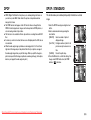
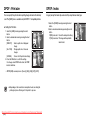
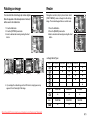
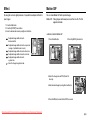
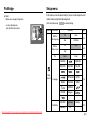
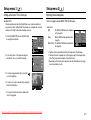
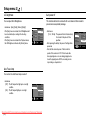
You can add any one of 9 types of frame-like
borders to a still image you want to capture.
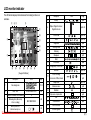
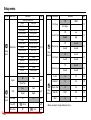
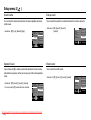
[NIGHT]
(
[PORTRAIT]
(
[CHILDREN]
(
[LANDSCAPE]
[CLOSE UP]
(
(
[TEXT]
[SUNSET]
[DAWN]
[BACKLIGHT]
[FIREWORK]
[BEACH&SNOW]
[SELF SHOT]
(
(
(
(
(
(
(
[FOOD ]
[CAFÉ]
(
(
) : Use this for shooting
still images at night
or in other dark
conditions.
) : To take a picture of
a person.
) : To take a picture of
fast moving objects, for
example, children.
) : To take pictures of distant scenery.
) : Close-up shooting for small objects such as plants
and insects.
) : Use this mode to shoot a document.
) : For taking pictures of sunsets.
) : Daybreak scenes.
) : For portraits without shadows caused by backlighting.
) : Firework scenes.
) : For ocean, lake, beach and snow scape scenes.
) : Use when the photographer would also like to be in
the image.
) : For taking delicious looking food.
) : For taking pictures of cafe and restaurant.
Downloaded From camera-usermanual.com Samsung Manuals
ŝ44Ş
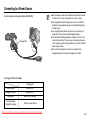
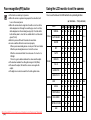
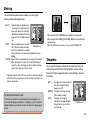
ƈ Date & Time information will not be printed on
the stored image taken with Photo Frame
menu.
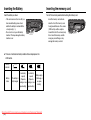
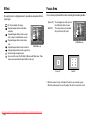
: The photo frame is not inserted.