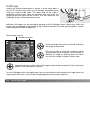
1
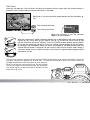
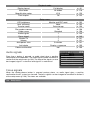
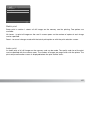
Paper size
Paper size
Layout
Print quality
Data print
Paper size
Printer setup
L
Postcard
2L
A4
:sel.
Printer setup
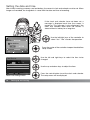
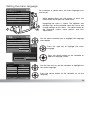
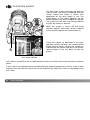
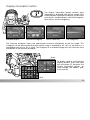
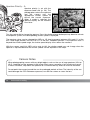
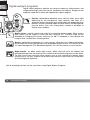
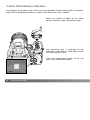
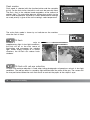
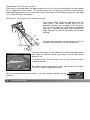
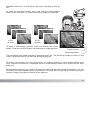
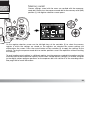
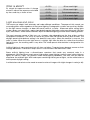
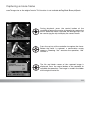
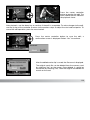
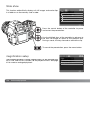
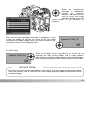
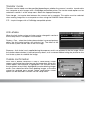
The paper size of the print can be specified in section 2 of
the PictBridge menu. The printer-setup option uses the
size set with the printer.
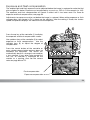
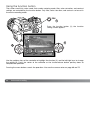
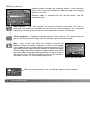
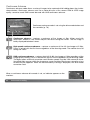
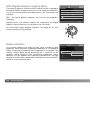
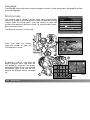
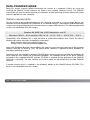
Highlight the current size setting in the menu and press the
central button of the controller to open the paper-size
screen.
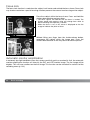
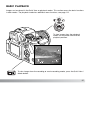
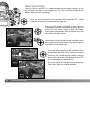
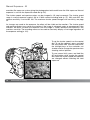
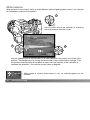
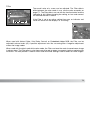
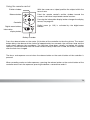
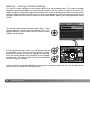
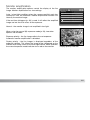
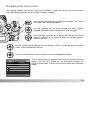
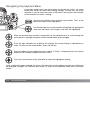
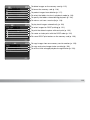
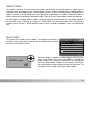
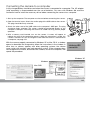
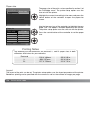
Use the four-way key of the controller to highlight the new
paper size. The options available depend on the printer.
The printer setup option uses the size set with the printer.
2” x 3” card
100mmx150mm
4” x 6”
8” x 10”
Letter
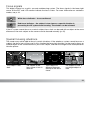
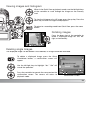
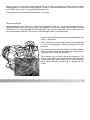
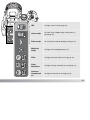
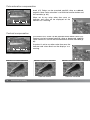
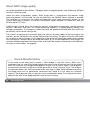
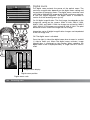
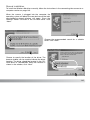
Press the central button of the controller to set the paper
size.
:enter
Printing Notes
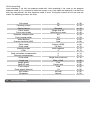
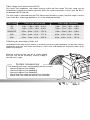
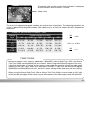
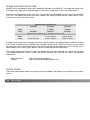
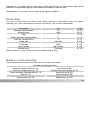
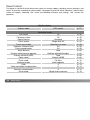
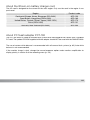
The following are the dimensions for postcard, L, and 2L paper sizes in both
millimeters and inches for your reference:
Postcard
L
2L
100 X 148mm
89 X 127mm
127 X 178mm
3.9 X 5.9 in.
3.5 X 5.0 in.
5.0 X 7.0 in.
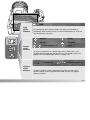
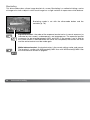
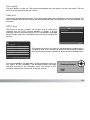
Layout
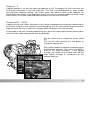
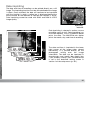
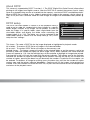
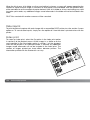
The layout of the print can be set. The printer-setup option uses the layout parameters of the printer.
Borderless printing can be specified with the camera as well as the number of images per page.
158
Data-transfer mode