1
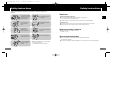
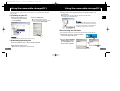
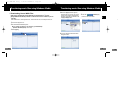
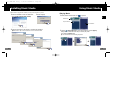
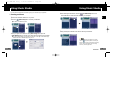
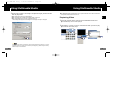
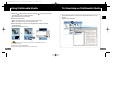
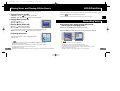
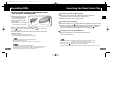
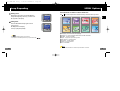
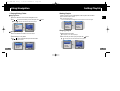
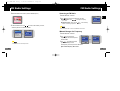
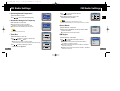
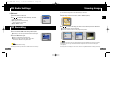
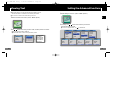
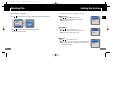
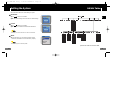
1/14/05 18:2912:0 Page 48 Using Navigation Setting Playlist I Playing/Exiting Folder I Setting Playlist Playing Folder - Move to the file you want in Navigation mode and press the “M” button. 1 Press the “M” button to move to the Navigation mode. 2 Use , to move to the folder you want and press the ● When " button. ● The selected file will be marked. ● To exit the playlist setting, move to the marked file in Navigation mode and press the “M” button again. " appears, the selected folder will be played. Navigation Navigation 01:07 Navigation Building Bridges Building Bridges IMAGE VOICE Anyone of us Anyone of us LINE_REC VOO1.MP3 Piano Man Piano Man VOO2.MP3 Sweet Dream Sweet Dream FM_REC ENG T7 AME ENG inlay 005/010 VOICE - 02:58:03 Exiting Folder Play 1 Press and hold the “M” button to move to Menu. 2 Select Settings ➔ Play Mode. 3 Use , to move to Normal and press the “M” button. I Playing Playlist 1 Select Playlist in the menu. ● The playlist you set will be displayed. 2 Move to the file you want to play and press the ●“ button. ” mark appears and the selected file will be played. ● Folder play will be exited. Playlist Play Mode 10:07 Building Bridges ROOT Anyone of us Repeat One Building Bridges Piano Man Repeat All Anyone of us Anyone of us Sweet Dream 006/011 48 Playlist Normal Repeat Folder - 00:58:03 10:07 Building Bridges 001/006 - 00:58:03 49