1
Appendix B
How To Clear the
Universal
Controller
Database
Follow the procedure below to completely erase the Universal Controller
database and return the unit to its factory default settings.
Caution:
1.
All data, such as 24-character names, algorithm selections, configuration decision entries, etc., as well as the
module's address will be erased.
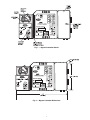
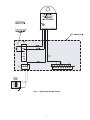
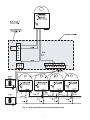
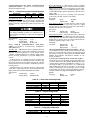
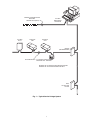
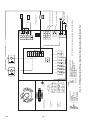
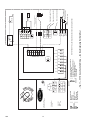
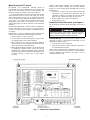
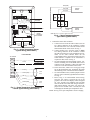
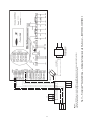
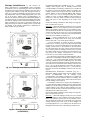
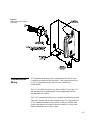
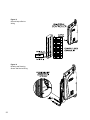
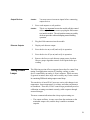
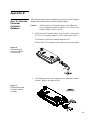
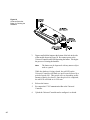
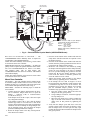
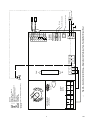
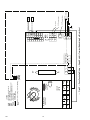
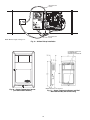
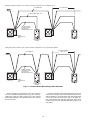
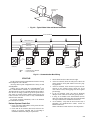
If the Universal Controller that is to be cleared is connected to
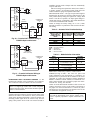
the CCN, you must disconnect it. Refer to the figure below.
To disconnect a Universal Controller from the CCN:
Remove the CCN communication connector from the module.
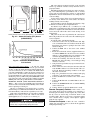
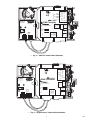
Figure 16
Disconnecting the
Universal Controller
From the CCN
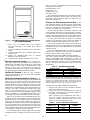
2.
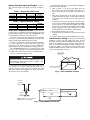
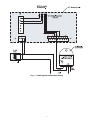
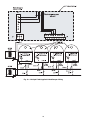
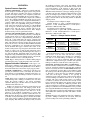
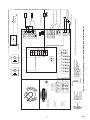
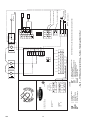
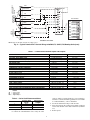
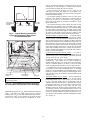
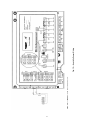
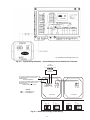
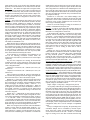
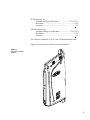
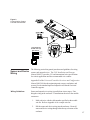
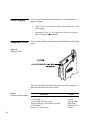
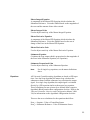
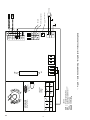
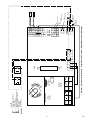
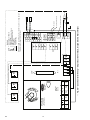
Disconnect power by removing the power connector from the
module. Refer to the figure below.
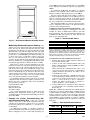
Figure 17
Disconnecting Power
From the Universal
Controller
45