1
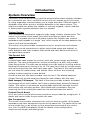
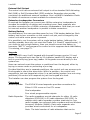
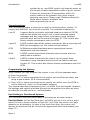
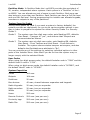
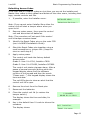
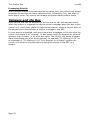
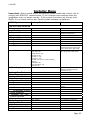
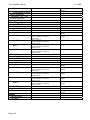
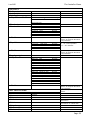
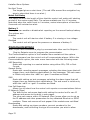
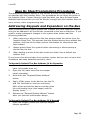
Step by Step Programming Procedures
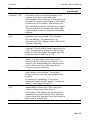
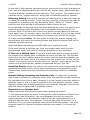
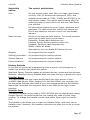
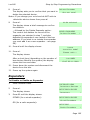
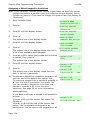
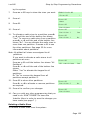
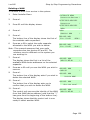
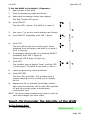
1.
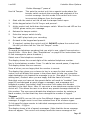
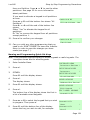
Enter Installer Menu.
2.
Press Y.
3.
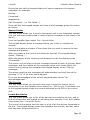
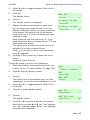
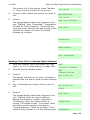
Press n until the bottom line of the display
shows:
4.
Press Y .
5.
Press Y.
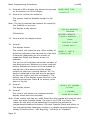
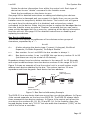
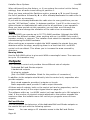
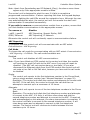
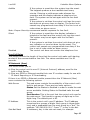
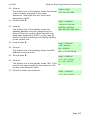
The bottom line of the display shows the first of
the available radio expanders.
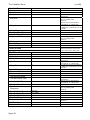
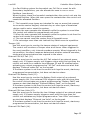
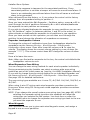
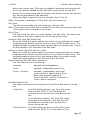
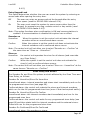
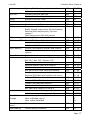
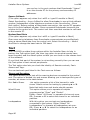
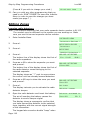
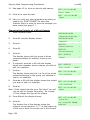
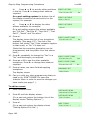
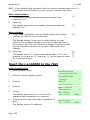
i-on160
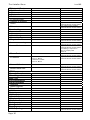
INSTALLER MENU
Detectors/Devices >
DETECTORS/DEVICES
Detectors
DETECTORS/DEVICES
External Sirens
>
EXTERNAL SIRENS
Add/Del Ext Siren >
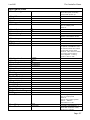
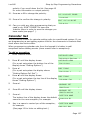
ADD/DEL EXT SIREN
Exp. R1-02
(R30)>
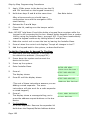
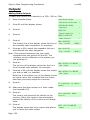
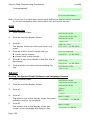
Note: This example assumes that your radio
expanders are bus devices 02 and 05. The
numbers may be different on the system you
are working on.
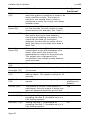
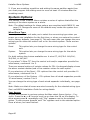
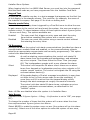
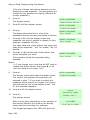
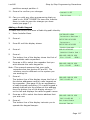
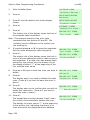
6.
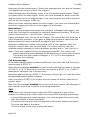
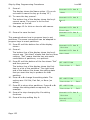
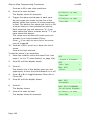
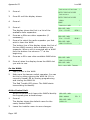
If required press u or n to select the expander
that you wish allocate the radio keypad to.
7.
Press Y .
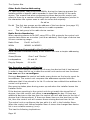
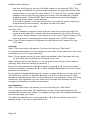
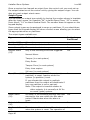
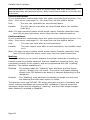
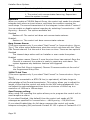
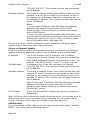
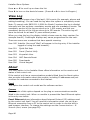
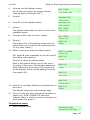
The bottom line of the display shows the first in
a list of device addresses used by radio sirens on
that expander. If a radio siren has already been
learned by the system then the bottom line of
the display shows a “*” at the beginning of the
line, and the siren name.
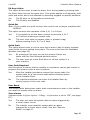
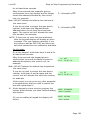
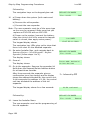
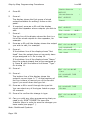
8.
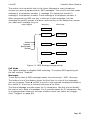
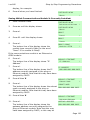
Press u or n keys to show the siren you want to
delete.
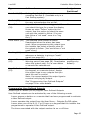
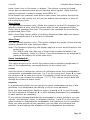
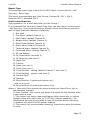
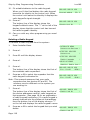
9.
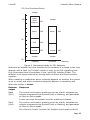
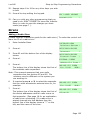
Press Y.
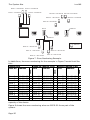
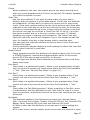
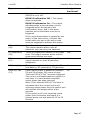
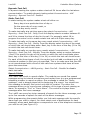
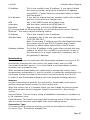
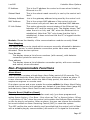
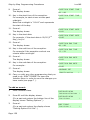
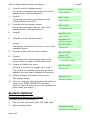
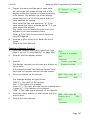
The display asks if you wish to delete this radio
siren. (Press X if you wish to leave the siren in
place.)
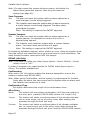
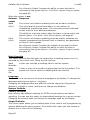
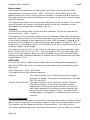
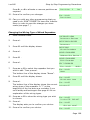
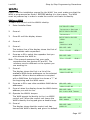
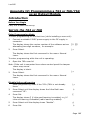
10. Press Y.
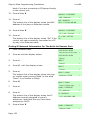
The display asks you to confirm that you wish to
delete this radio siren. (Press X if you wish to
leave the siren in place.)
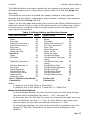
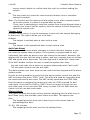
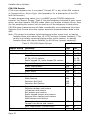
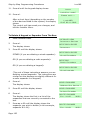
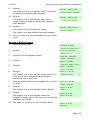
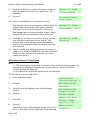
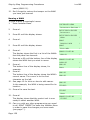
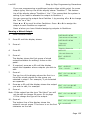
11. Press Y.
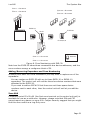
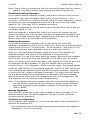
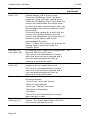
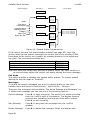
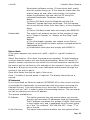
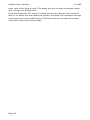
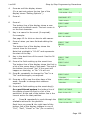
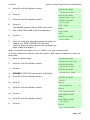
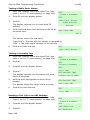
The keypad also sounds a double “beep” when
the control unit successfully deletes the siren.
The display no longer shows “*” at the beginning
of the bottom line, indicating that there is no
siren learned at the displayed device address.
Page 126
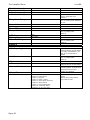
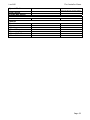
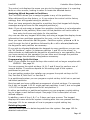
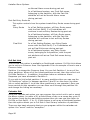
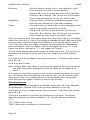
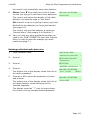
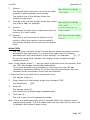
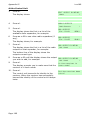
ADD/DEL EXT SIREN
Exp. R1-05
(R10)>
ADD/DEL EXT SIREN
Siren R1-05-01
>
ADD/DEL EXT SIREN
*Siren 01
>
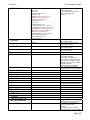
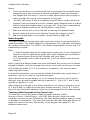
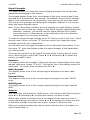
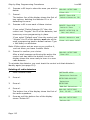
ADD/DEL EXT SIREN
Delete Ext Siren?
ADD/DEL EXT SIREN
Are you sure?
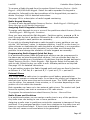
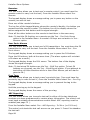
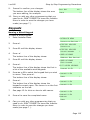
ADD/DEL EXT SIREN
Siren R1-05-02
>