1
Rio Menu options and settings
Page 10
Setting Preferences
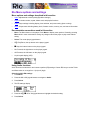
Preferences include these player settings:
•
Power saving (time to sleep).
•
Display backlight.
•
Time and date.
Adjusting the power saving setting
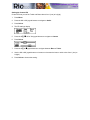
To adjust the time to sleep (suspend) setting from one to nine minutes:
1
Press Menu.
2
Press the << or >> joypad buttons to navigate to Prefs.
3
Press Select.
4
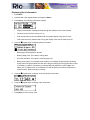
Press the joypad buttons to navigate to Power Saving.
5
Press Select.
6
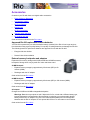
Press the << or >> joypad buttons to adjust the setting from one to nine minutes.
7
Press Select to save the setting. To return to play mode without saving any changes, press Menu.
Adjusting display backlight
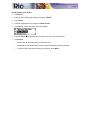
1 Press Menu.
2
Press the << or >> joypad buttons to navigate to Prefs.
3
Press Select.
4
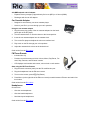
Press the joypad buttons to navigate to Display.
5
Press Select.
6
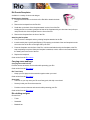
Press the >> joypad button to adjust the backlight time on setting.
7
Press Select to save the setting.