1
11
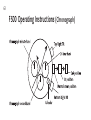
CP00 Operating Instructions continued . . .
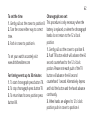
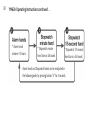
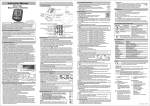
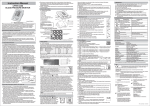
To set the alarms
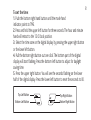
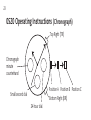
1. Push the bottom right hand button until the mode hand indicator points to
AL1, AL2 or AL3.
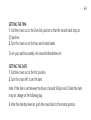
2. Press and hold the upper left button for three seconds. The hour and minute
hand will retract to the 12 O’clock position.
3. Select the time zone on the digital display by pressing the upper right button
or the lower left button.
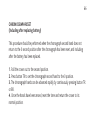
4. Pull the lower right button out one click. You will see ON or OFF flashing on
the digital display. Press the lower left button to turn the alarm on or off.
5. Press the upper right button. You will see the hours flashing. Press the lower
left button to change the hour.
6. Press the upper right button. You will see the minutes flashing. Press the lower
left button to change the minutes.
7. Push the lower right button back in one click.