1
Chapter 3: First-Time NT500 Offline System Installation & Setup
Notes
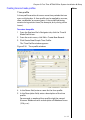
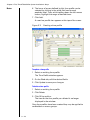
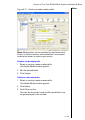
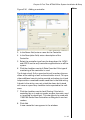
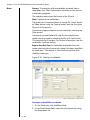
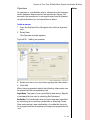
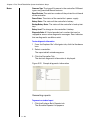
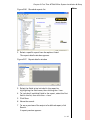
To define additional controller options for an access group
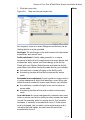
1 Click the Advanced tab.
2 Check the desired options:
AC 300/500 Series Controller options
■
Ignore bolted doors
■ Ignore anti-passback
■ Ignore dead bolted doors
■ Ignore 'Two Card Access' mode
Note: Bolted mode denies access to all cards presented to
the reader.
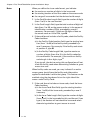
Conditional AC300/500 Series Controller options
■
Allow passage mode
■ Allow first card unlock
Note: Passage mode allows two swipes of a card to unlock
the door indefinitely and then re-lock the same door when the
card is presented twice to the reader again.
Note: Conditional options only apply when access is not controlled by airlock, anti-passback, area usage limits, or two-key
access.
3 Click Add.
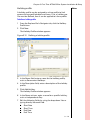
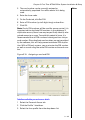
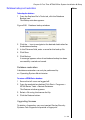
To update an access group
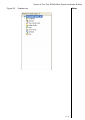
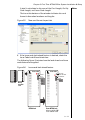
1 From the Explorer Bar’s Navigator tab, click the Access
Group icon.
2 Select an access group.
3 On the Details and Advanced tabs, enter the appropriate
information.
4 Click Update to save changes.
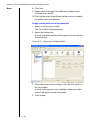
To delete an access group
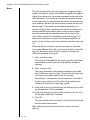
1 From the Explorer Bar’s Navigator tab, click the Access
Group icon.
2 Select an access group.
3 Click Delete.
4 Click OK to confirm.
The icon for the access group you deleted no longer
appears in the window.
3 – 32