1
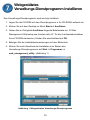
Installing the Web Management Utility
The following provides instructions guiding you through the installations of the Web
Management utility.
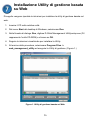
1. Insert the Utility CD in the CD-ROM Drive.
2. From the Start menu on the Windows desktop, choose Run.
3. In the Run dialog box, type D:\Web Management Utility\setup.exe (D:\ depends
where your CD-Rom drive is located) and click OK.
4. Follow the on-screen instructions to install the utility.
5.
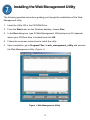
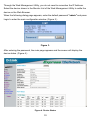
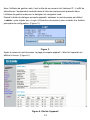
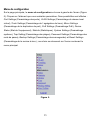
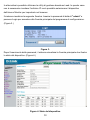
Upon completion, go to Program Files -> web_management_utility and execute
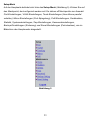
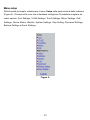
the Web Management utility. (Figure 1.)
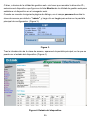
Figure 1. Web Management Utility
8