1
DPOF (DIGITAL PRINT ORDER FORMAT)
When printing images at a photo lab, it is possible to specify which photos
and quantity to print in advance, using the DPOF menu. This is also
available when making prints using a DPOF compatible printer.
WARNING !!
• In the case of RAW images (files with X3F extension), DPOF printing is not
possible.
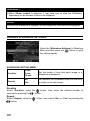
1
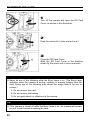
During image reviewing, press
to display the Modification Menu.
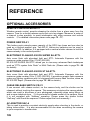
2
Use the
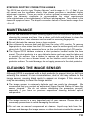
3
Use the
press the
arrows on the 4-way controller to select the DPOF Menu (
).
arrows on the 4-way controller to select the desired options and then
button.
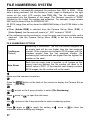
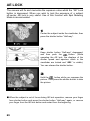
DPOF MENU
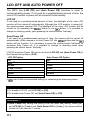
Select / Quantity
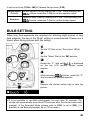
Set the print quantity by pressing the
buttons. To
set number of copies from multiple images, select the
image that you wish to print by pressing the
buttons and then set the print quantity for each image
by pressing the
buttons. Press the
button to
apply the setting.
Select All Images
This option selects all still images on the card for
printing. Set print quantity by pressing the
buttons and press the
button to apply the
setting.
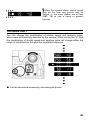
Cancel All Selections
Reset all print quantity settings. Press the
buttons to select [OK] and press the
button to
cancel all print quantity settings.
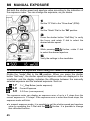
TIP
• Total number of print quantity (the total sum of print quantity for each image)
is displayed at the lower right of the monitor.
108