1
1
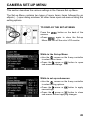
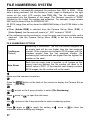
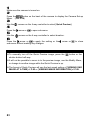
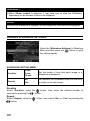
Make sure the camera is turned on.
2
Press the
button on the back of the camera to display the Camera Set-up
Menu. (See P.28)
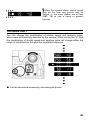
3
Use the
arrows on the 4-way controller to select [Quick Preview].
4
Press the
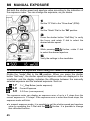
5
Use the
arrow or
to open sub-menu.
arrows on the 4-way controller to select duration.
6
Press the
arrow or
to apply the setting or the
sub-menu without making any changes.
arrow or
to close
TIP
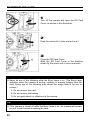
• To manually turn
off the Quick Preview image, press the
shutter button half-way.
button or the
• It will not be possible to zoom in to the preview image, use the Modify Menu,
or change to another image while the Quick Preview is up.
• The format of Quick Preview will use the last saved setting of [VIEWING ONE
IMAGE AT A TIME] of P.85 or [VIEWING IMAGE INFORMATION] of P.89.
83