1
Basic functions
Step by step
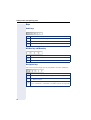
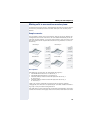
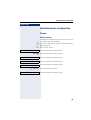
Further service personnel settings for group calls:
• The group call can be picked up both by lifting the
handset and via the "Pickup call" menu option.
• The group call be picked up via the "Pickup call"
menu option but not by just lifting the handset.
• A key is programmed for call pickup.
• Open a pop-up menu with the Call pickup key when
a group call is waiting.
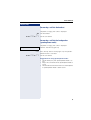
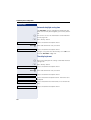
Picking up a group call with the call pickup key
Prerequisite: The Call pickup key is configured. Your
service personnel have set up the group call such that it
is only displayed through flashing of the Call pickup key.
The phone can also ring when idle.
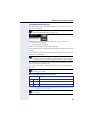
A group call is waiting. The Call pickup key flashes. The
group call is not shown on the display.
R Press the key with the "Call pickup" function.
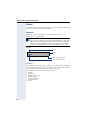
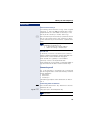
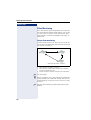
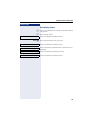
The group call is now shown on the display with
Pickup: Caller
for: Party
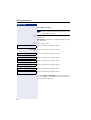
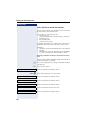
The pop-up menu opens:
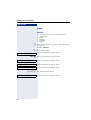
Picking up a group call immediately via the pop-up
menu
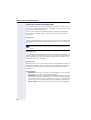
Prerequisite: Your service personnel have set up the
group call such that it will be shown immediately on the
display and the pop-up menu will open.
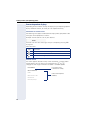
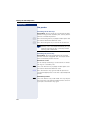
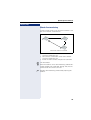
• A group call is waiting and is shown on the display
with
Pickup: Caller
for: Party
40