1
36
Analog Out Tab
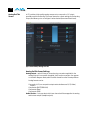
Screen
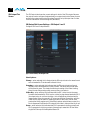
Io XT provides a high-quality analog component or composite + Y/C output,
generally used for monitoring. This screen shows the current settings for that analog
output, and allows you to re-configure it when desired (format and black-level).
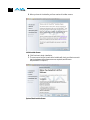
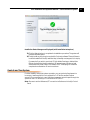
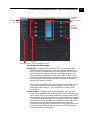
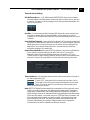
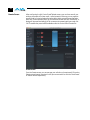
AJA Control Panel, Analog Out Tab
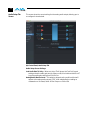
Analog Out Tab Screen Settings
Analog Output—select Primary or Secondary (any conversion applied) for the
analog output; if a conversion is applied, you’ll see the conversion icon appear
on the block diagram. Next, select the video format from the Format pulldown.
Analog formats can be:
Composite +Y/C (one composite output and a simultaneous Y/C (S-Video)
output)
Component (SMPTE/EBU N10)
Component (Beta)
Component (RGB)
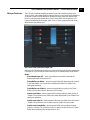
Audio Monitor—here you select which two channels will be mapped to the analog
audio stereo output (headphone jack).