1
Chapter 1: Getting started
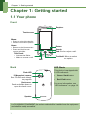
Top
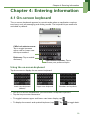
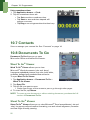
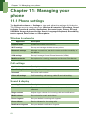
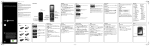
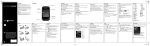
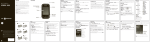
Headset jack: Use a headset for hands-free conversation or for listening to music
Power:
• Press and hold for 5 seconds to turn the device on or off.
• To save battery, quick press to turn the screen on or off
temporarily.
Side
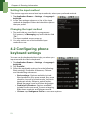
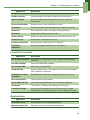
Volume: Slide up or down
to increase or decrease
the volume.
Micro USB port:
• Connect USB cable to PC as
a modem/USB mass storage.
• Connect USB cable and the AC
adapter to charge the battery.
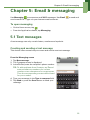
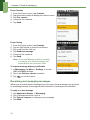
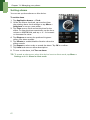
Strap hole
Shutter:
• Press the shutter to activate
the camera.
• In Camera mode, press to
take a photo or video.
See “Photos and videos”
on page 40.
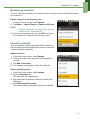
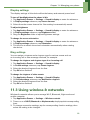
NOTE: The battery can also be charged while connected to a computer.
Users have to use the connection to USB interfaces with a USB 2.0 version or higher.
2