1
DGS-3224TGR Gigabit Ethernet Switch User’s Guide
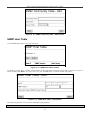
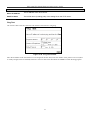
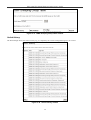
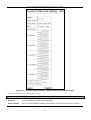
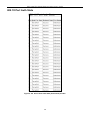
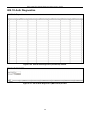
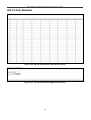
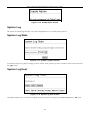
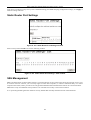
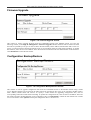
Figure 6- 91. 802.1x Initialize / Reauthenticate Ports (MAC-based) window
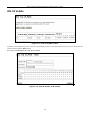
Select ports to be initialized/reauthenticated and then use the drop-down menu to select Initialize or Reauthenticate. Click
Apply to let your change take effect.
The port number is the only parameter to be configured.
RADIUS Server Settings
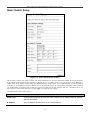
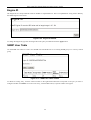
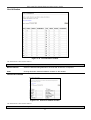
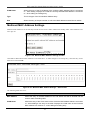
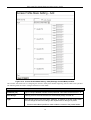
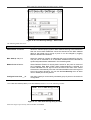
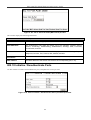
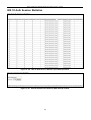
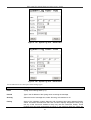
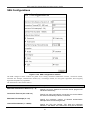
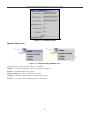
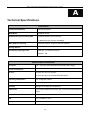
Use this window to configure the settings the switch will use to communicate with a RADIUS server.
Figure 6- 92. RADIUS Server Settings window
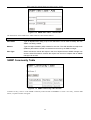
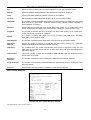
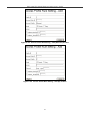
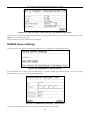
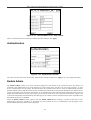
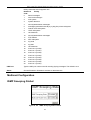
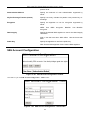
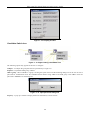
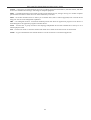
To add RADIUS server settings click the New button, a separate configuration window appears. To edit an existing
RADIUS settings index, select it and click the Edit button.
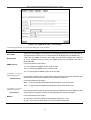
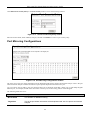
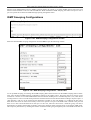
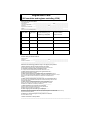
Figure 6- 93. RADIUS Server Settings – Add window
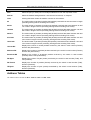
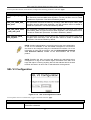
Configure the following RADIUS server settings for both the Add and Edit windows:
102