1
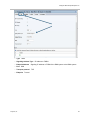
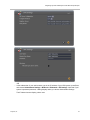
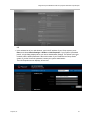
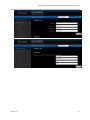
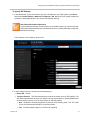
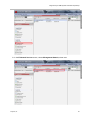
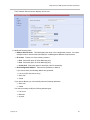
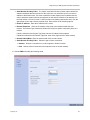
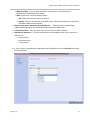
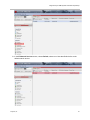
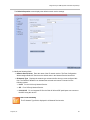
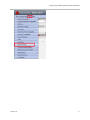
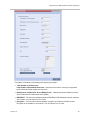
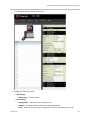
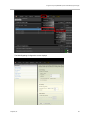
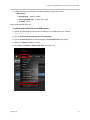
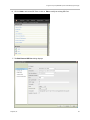
Integrate Polycom® DMATM Systems with UNIFY® OpenScape® 6 Configure the following settings on the DMA Signaling Configuration screen: SIP Settings SIP Signaling Unencrypted SIP port TLS port Check to enable. Choose TCP, 5060. 5061 Next, add an external SIP peer. To add an external SIP peer to the DMA system: 1 Launch your web browser and enter the IP Address of your DMA System, for example, http://10.1.1.24 . 2 Click on Continue to this website (not recommended). 3 Type in the User ID (default is admin) and type in the Password (default is admin). 4 Select your Domain (default is LOCAL). 5 Go to Log in > Network > External SIP Peer, as shown next. Polycom, Inc. 93