1
Using Your CD-ROM Drive
Operating the CD-ROM Drive
Operating the CD-ROM Drive
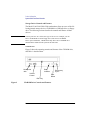
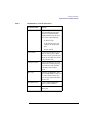
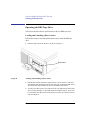
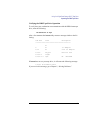
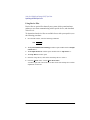
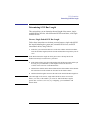
This section describes how to perform tasks with your CD-ROM drive.
Loading and Unloading a CD-ROM in the Disc Tray
This subsection describes how to load or unload a CD-ROM disc in the CDROM drive.
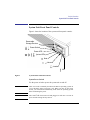
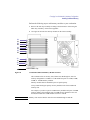
Disc Tray Description
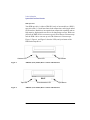
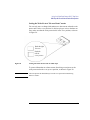
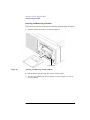
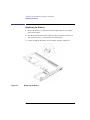
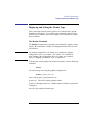
This CD-ROM is designed to be used in either the horizontal or vertical
position, depending on whether your system unit is horizontal or vertical (in
the floor stand). The disc tray has four spring-loaded disc holders that hold
the disc in place when the CD-ROM drive is in the vertical position. When
the drive is in the horizontal position, the disc holders are not used and are
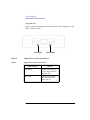
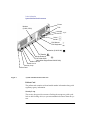
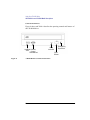
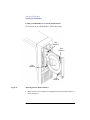
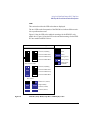
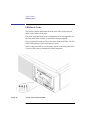
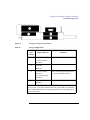
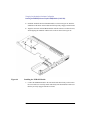
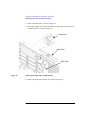
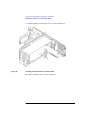
held out of the way by four disc holder retainers. Figure 9 shows the CDROM disc tray, and disc holders.
Disc
Holder
Disc
Holder
Disc
Holder
Figure 9
CD-ROM Disc Tray
29