1
CiM-550 IP Enabled Satellite Modem
CLI and Telnet Interface
Rev. 2
CD/CIM550.IOM
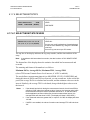
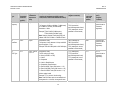
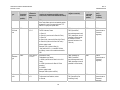
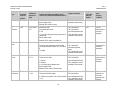
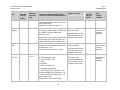
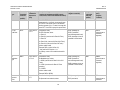
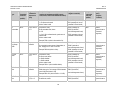
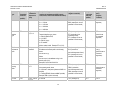
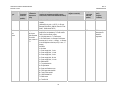
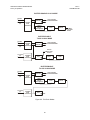
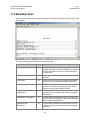
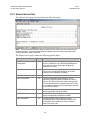
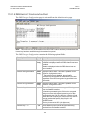
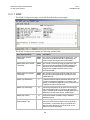
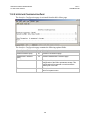
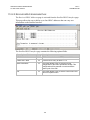
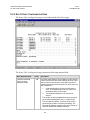
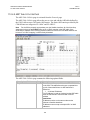
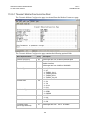
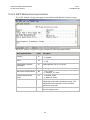
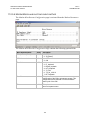
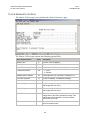
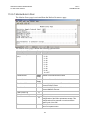
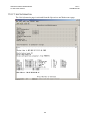
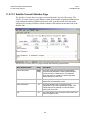
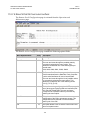
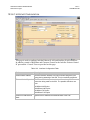
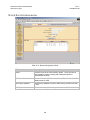
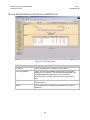
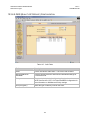
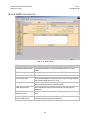
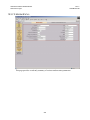
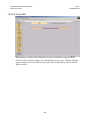
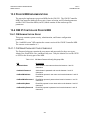
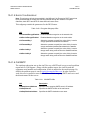
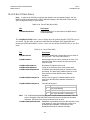
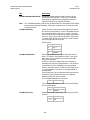
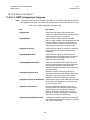
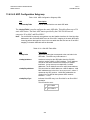
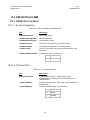
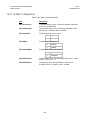
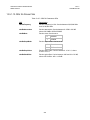
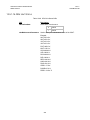
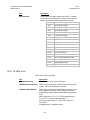
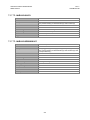
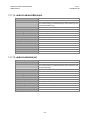
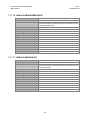
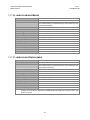
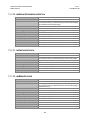
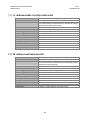
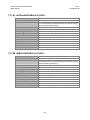
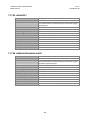
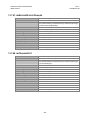
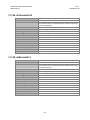
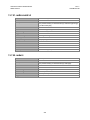
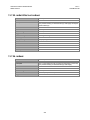
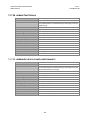
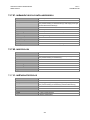
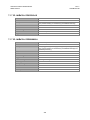
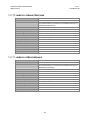
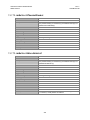
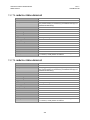
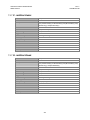
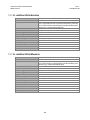
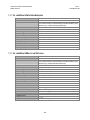
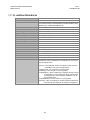
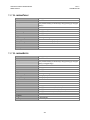
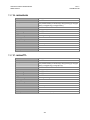
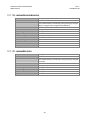
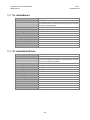
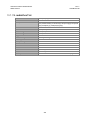
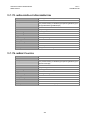
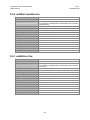
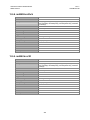
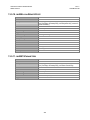
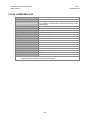
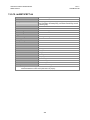
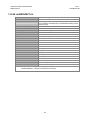
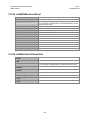
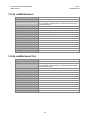
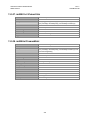
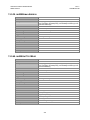
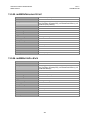
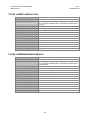
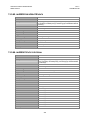
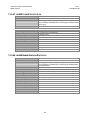
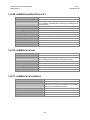
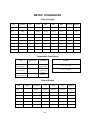
11.2.5.3 AUPC MODEM CONFIGURATION PAGE
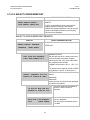
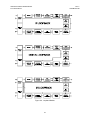
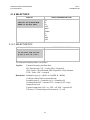
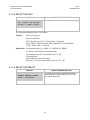
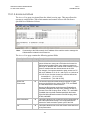
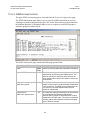
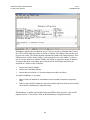
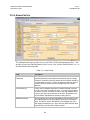
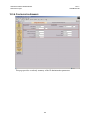
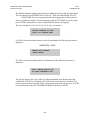
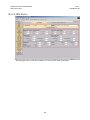
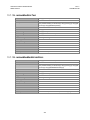
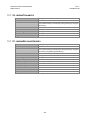
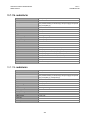
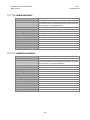
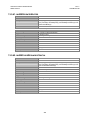
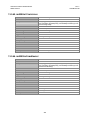
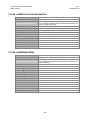
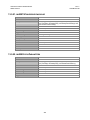
The AUPC Modem Configuration page is activated from the Modem Parameters page.
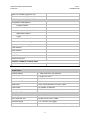
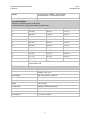
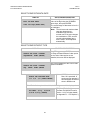
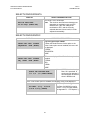
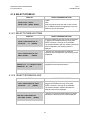
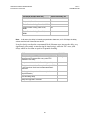
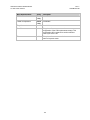
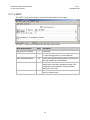
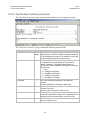
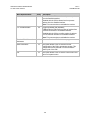
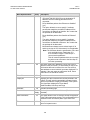
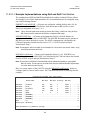
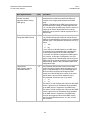
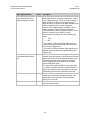
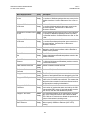
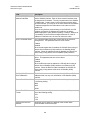
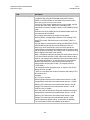
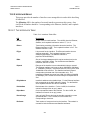
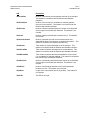
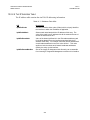
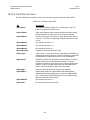
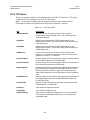
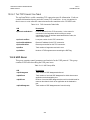
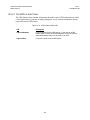
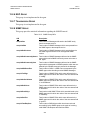
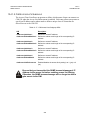
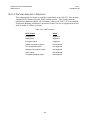
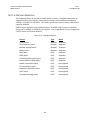
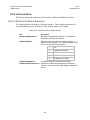
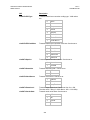
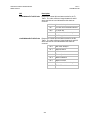
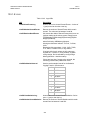
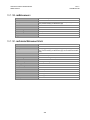
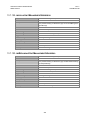
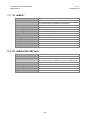
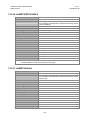
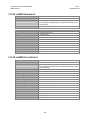
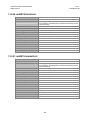
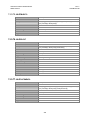
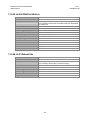
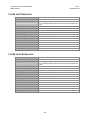
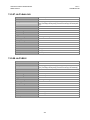
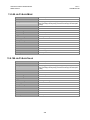
The AUPC Modem Configuration page contains the following options/fields:
Menu Options/Fields
Entry
Description
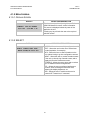
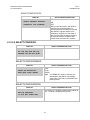
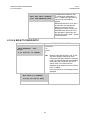
1 - Disabled
2 - Enabled
1 - OFF
2 - ON
Framing
F
AUPC
A
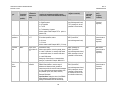
Target EbNo of Remote
Demod(db)
E
Valid ranges are from 0.1 to16.0 dB
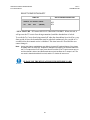
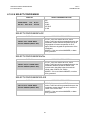
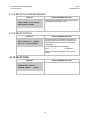
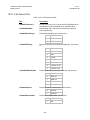
Tx Max Increase (dB)
D
Valid ranges are from 0 to 9 dB.
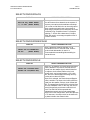
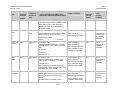
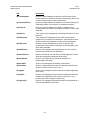
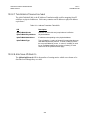
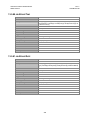
Max Power Reached Action
M
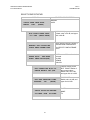
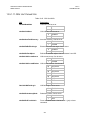
Remote Demod Unlock
Action
U
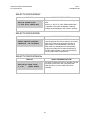
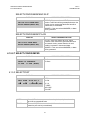
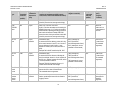
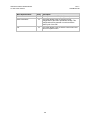
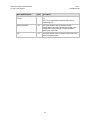
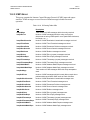
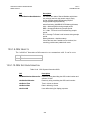
Save Parameters
S
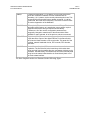
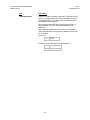
This option allows a user to save the current
configuration of the CiM to permanent storage. This
configuration will be restored on each successive
power cycle of the CiM.
Exit
X
This option allows a user to exit the current menu and
return to its parent menu.
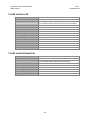
1 - No_Action
2 - Generate_TX_Alarm
1 - Nominal_Power
2 - Maximum_Power
153