1
CiM-550 IP Enabled Satellite Modem
Front Panel Menus
Rev. 2
CD/CIM550.IOM
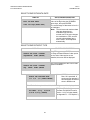
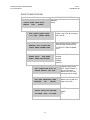
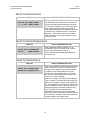
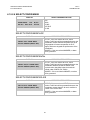
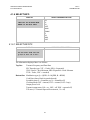
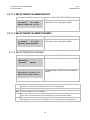
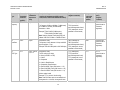
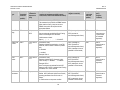
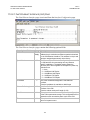
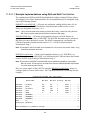
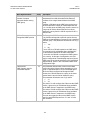
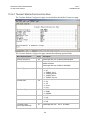
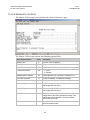
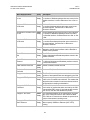
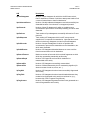
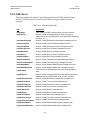
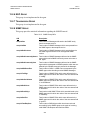
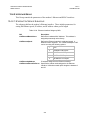
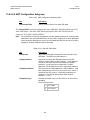
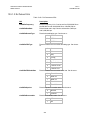
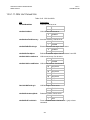
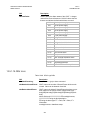
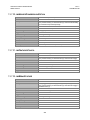
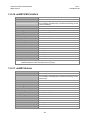
EDIT THIS UNIT'S ADDRESS
0245 (SEE HANDBOOK)(ENT)
(FRAMED/ON) EDMAC SLAVE
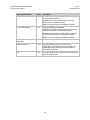
The valid range of addresses is
from 1 to 9999, although ‘base 10'
values will be automatically
skipped.
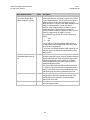
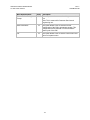
Remember that this is a unit which
is intended to be located at the
distant-end of a link, and will
therefore be under the control of a
MASTER at the other end. This is
the equivalent of putting the unit
into Remote Control mode - no local
control is possible.
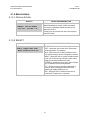
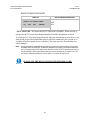
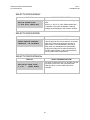
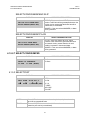
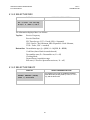
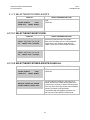
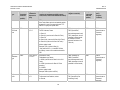
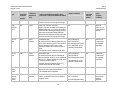
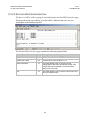
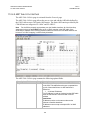
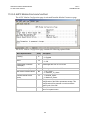
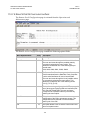
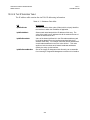
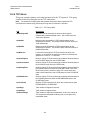
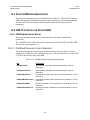
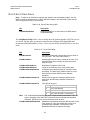
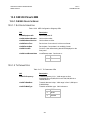
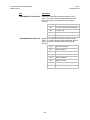
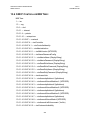
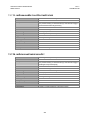
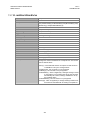
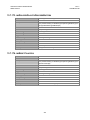
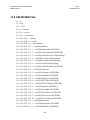
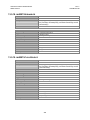
4.1.5.2.4 SELECT\CONFIG\INTFC
DISPLAY
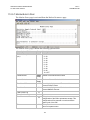
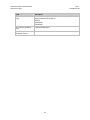
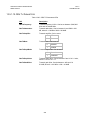
DATA INTERFACE: EIA422/530
V.35 EIA-232 IP (ENTER)
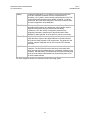
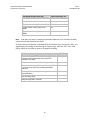
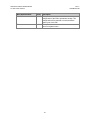
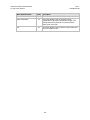
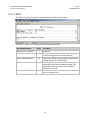
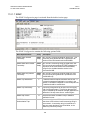
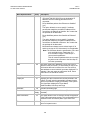
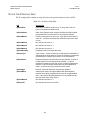
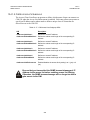
SELECTIONS/DESCRIPTION
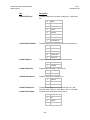
EIA-422/530
V.35
EIA-232
IP
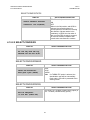
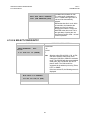
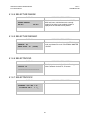
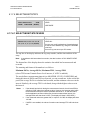
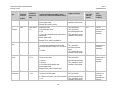
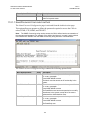
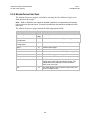
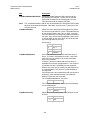
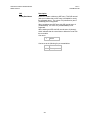
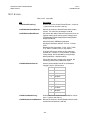
Note: Selecting either EIA-422/530, V.35, or EIA232 as the interface rather than IP will
change the CiM-550 to CDM-550 emulation
mode. The CiM-550 will then pass standard
serial traffic, like a CDM-550, but will not
pass IP traffic. The CiM can still be
accessed via the ethernet port using Telnet,
HTTP, or SNMP.
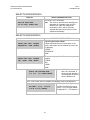
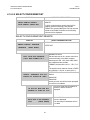
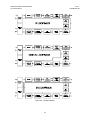
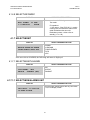
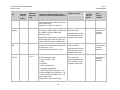
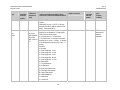
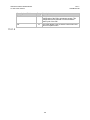
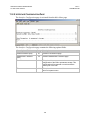
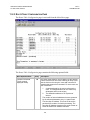
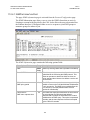
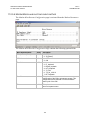
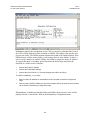
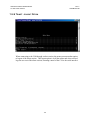
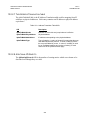
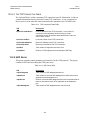
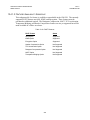
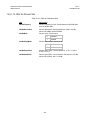
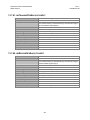
If the user selects IP, the following screen is
displayed:
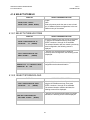
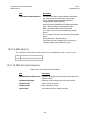
EDIT UNIT’S IP ADDRESS:
010.006.007.224/16 (ENT)
38