1
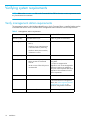
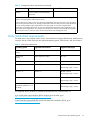
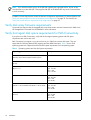
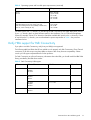
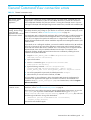
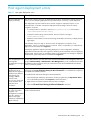
Table 11 Parameters in the cim.properties file (continued)
Parameter
Description
LogFilesCount
Indicates the number of log files maintained by the CIMOM.
The default number is 5. Modify this value to change the
number of log files. When you initiate the CIMOM, it starts
logging to the <serverDebugFile>+0 file. (The
serverDebugFile is specified in the cim.properties
file).
When the file size reaches the specified threshold
(MaxLogFileSize), the CIMOM starts logging into the
next file in the ascending order and overwrites the last
modified file.
MaxLogFileSize
Specifies the maximum size of each log file in bytes. The
default size of each log file is 15 MB. You can modify the
default size of the log files. When a log file reaches the
specified threshold, the CIMOM starts logging in to the next
log file.
Min_Memory_Usage
Specifies the minimum Java heap size for the CIMOM server.
The default value is 20 MB.
Max_Memory_Usage
Specifies the maximum Java heap size for the CIMOM
server. The default value is 119 MB.
NOTE:
Do not modify any parameter that is not listed in Table 11.
The UserAccountsManager.bat file
User accounts are organized into groups, and a set of permissions are assigned to each group using
JAAS. To manage the user accounts, you must have super user privileges. Use the script file
UserAccountsManager.bat located in the home directory. This is the directory where the CIMOM is
installed. Typically, it is in the following directory:
<Install Drive>:\Program Files\Hewlett-Packard\SMI-S\cimom
To find the list of switch options supported, run the UserAccountsManager.bat file with the -h option.
Following are the tasks that you can perform using the UserAccountsManager.bat file:
• List groups and users
• Add users
• Change a user password
• Remove a user
• View help
Listing groups and users
To list the groups and users, execute the following command:
UserAccountsManager -LG
Command View XP installation guide
27