1
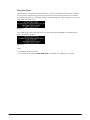
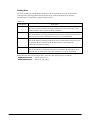
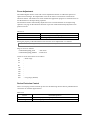
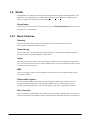
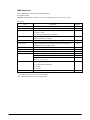
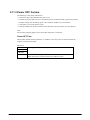
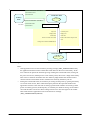
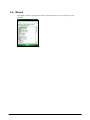
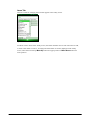
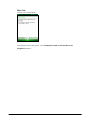
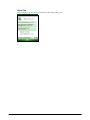
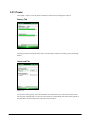
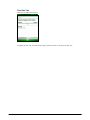
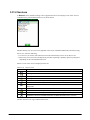
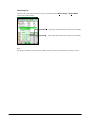
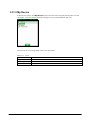
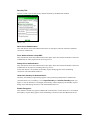
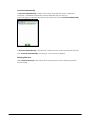
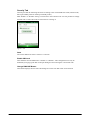
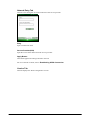
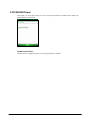
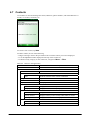
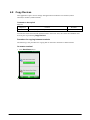
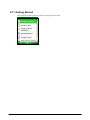
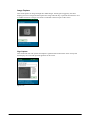
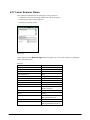
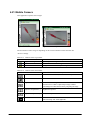
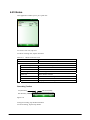
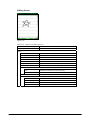
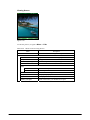
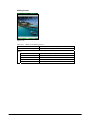
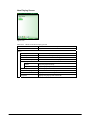
Viewing Screen
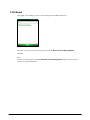
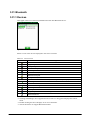
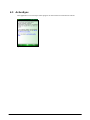
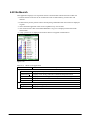
Figure 4.54
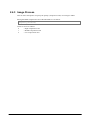
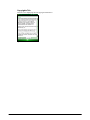
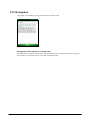
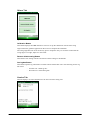
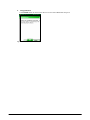
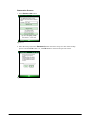
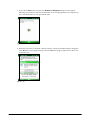
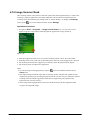
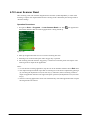
To edit the picture, navigate to Menu → Edit.
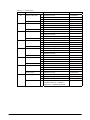
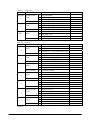
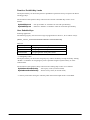
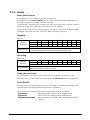
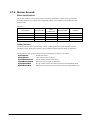
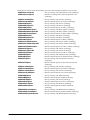
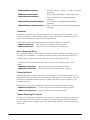
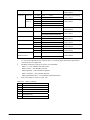
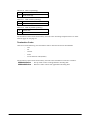
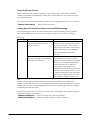
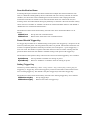
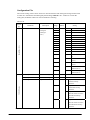
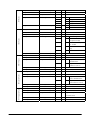
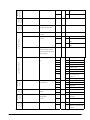
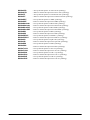
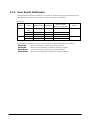
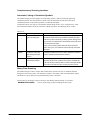
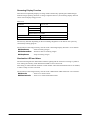
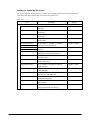
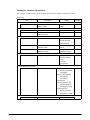
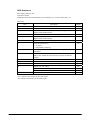
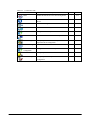
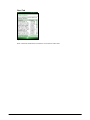
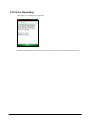
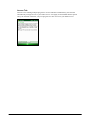
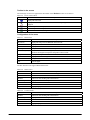
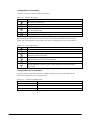
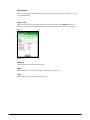
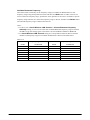
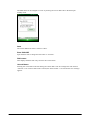
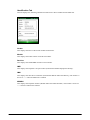
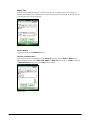
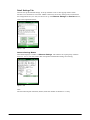
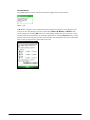
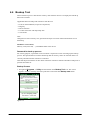
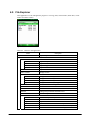
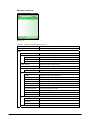
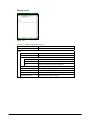
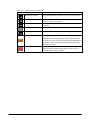
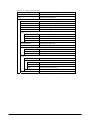
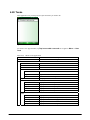
Table 4.20 Menus in the Viewing Screen
Menu
Description
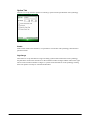
Send
Creates a new e-mail message with the picture attached.
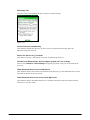
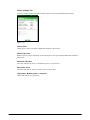
Menu
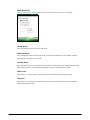
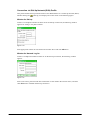
Zoom
Opens the sub window for zooming the picture.
Play Slide Show
Plays pictures as slide show.
Set as Today Background ... Sets current picture as a Today's wallpaper.
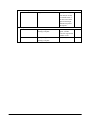
Beam Picture
Sends current file via IrDA or Bluetooth.
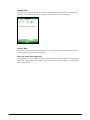
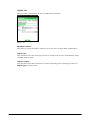
Save
Save to Contacts ...
Attaches current picture to the Contact item.
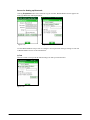
Save As ...
Saves the picture with new name.
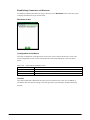
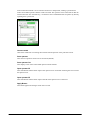
Edit
Switches to the Editing Screen.
Properties
Displays the property of current file.
Options ...
Sets up options for rotation, etc.
Send to your space
Sends current file to your Windows Live space.
316