1
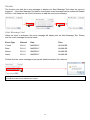
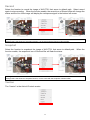
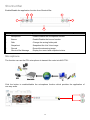
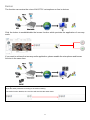
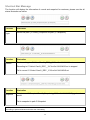
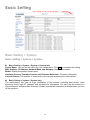
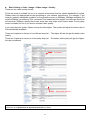
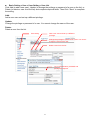
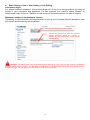
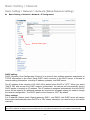
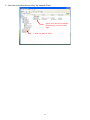
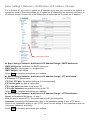
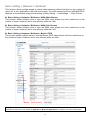
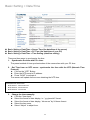
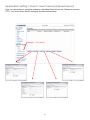
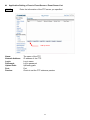
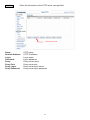
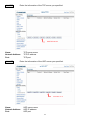
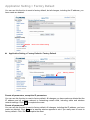
Basic Setting Click Setting to enter the setting page Basic Setting > System Basic Setting > System > System Basic Setting > System > System > System Info Device Name: You can set the name for your camera here. Click Set to complete the setting. MAC Address, IP Address, Network Mask, and Gateway: Network information Model: Display the product model name. Hardware Version, Firmware Version and Firmware Build time: Firmware information. Current Viewers: The number of viewers who are currently accessing the video stream. Basic Setting > System > System Log The administrator can view all login information of this camera, including boot record, video streaming mode, login IP, changes, and the date/time information. You can copy the entries to a Word document and save them manually. Please note that all information is deleted when you turn off the machine. 42