1
Configuring Wireless Security in Windows XP
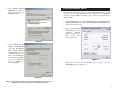
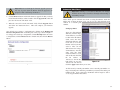
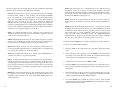
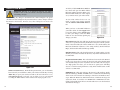
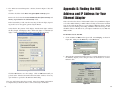
2. In the “Control Panel” window, click the Network and Internet
Connections icon, shown in Figure C-4.
As Windows XP does not allow for the use of the Linksys Passphrase feature
with the wireless PC adapters, you will need to manually enter the key generated in the previous section.
The following steps will help you enable WEP and enter the encryption key
manually for your wireless PC cards, in order to enable your Windows XP system to communicate with the Router wirelessly.
These steps assume that your CD-ROM drive is letter D and that you are running Windows XP in the default mode.
Be sure you have the WEP Key generated by the Router.
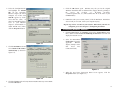
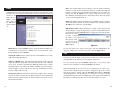
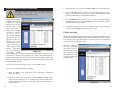
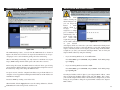
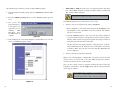
1. As shown in Figure C-3, click the Start button and go to the Control Panel.
Figure C-4
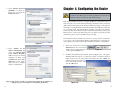
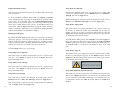
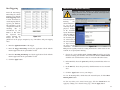
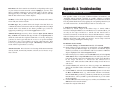
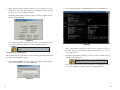
3. Click the Network Connections icon, shown in Figure C-5.
Figure C-5
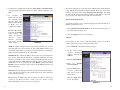
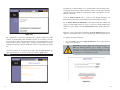
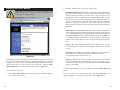
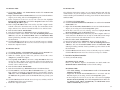
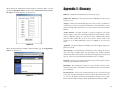
4. The “Network Connections” window will appear, as shown in Figure C-6.
Under LAN or High-Speed Internet you will see all Network cards that are
installed and operating in your computer. Double-click the Wireless
Network Connection icon associated with your wireless adapter.
Figure C-3
If the “Wireless Network Connection Status” window appears, continue to
the next step
75
76