1
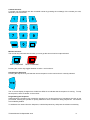
Camera Selection
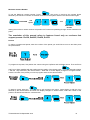
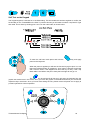
A camera may be selected onto the controlled monitor by pressing the number(s) of the camera you want,
followed by the cam button.
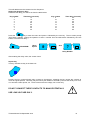
Monitor Selection
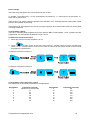
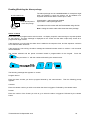
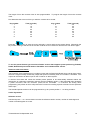
The monitor key will illuminate red when you have got the second monitor output selected.
Mon 1 Selected
Mon 2 Selected
Pressing the monitor key toggles between monitor 1 and monitor 2.
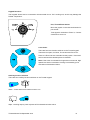
Activating the Sequence
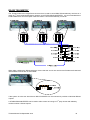
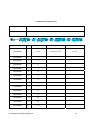
Pressing the sequence key will start the camera sequence on the monitor that is currently selected.
The on screen display changes from CAM XX to SEQ XX to indicate that the sequence is running. To stop
the sequence, select a camera on the monitor.
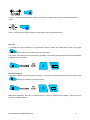
Programming the Sequence
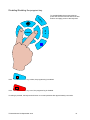
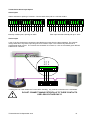
Holding down the sequence key causes the sequence to run through the list of cameras at the rate of one
per second, allowing the operator to quickly determine which cameras are being sequenced. All cameras
are included by default.
To add/remove a camera from the Sequence, hold the Sequence key and press the relevant camera key.
TX1000 Manual V8 September 2013
11