1
15
'
6
7
'
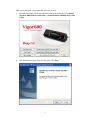
This section describes the operation of the Vigor600 Super G Wireless Adapter Utility
and Windows XP Wireless Zero Configuration Service (WZCS). The Windows WZCS is
a service that manages the wireless connection in a largely dynamic way. Only minimal
connection information must be identified and configured.
Set Zero Configuration on Windows XP
Take the following steps:
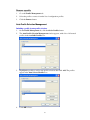
1.
Close Vigor600 Super G Wireless Adapter Utility by click Exit on the main
window menu.
2.
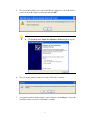
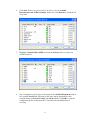
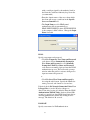
In Windows XP, go to Control Panel >Administrative Tools>Services. Find
Atheros Configuration Service and click Stop. Find Wireless Zero
Configuration and click Restart.
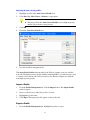
3.
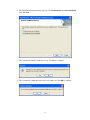
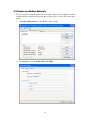
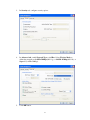
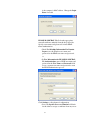
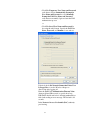
Open the Network Connection. Right click on the Wireless Network of the
Wireless Adapter and select the Properties dialog box.
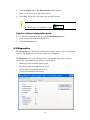
4.
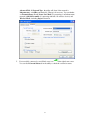
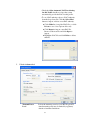
Select the check box Use Windows to configure my wireless network settings to
set Zero Configuration.
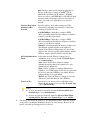
When this check box is selected, Windows XP takes control of these settings for all
configuration profiles:
SSID
Security keys
Ad-Hoc settings
Notice:
Windows XP takes control of these settings for all configuration
profiles, thus users cannot (for example) create new profiles with
different settings while using Windows Zero Configuration.
47