1
-11-
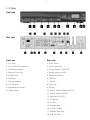
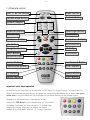
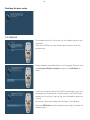
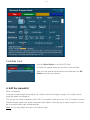
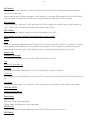
1.4 Remote control
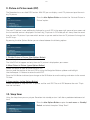
SHIFT / SETUP-Button
Power -Button
DREAM-Mode-Button
TV-Mode-Button
Numeric Keypad
Arrow-Left-Button
Mute-Button
Arrow-Right-Button
EXIT-Button
Volume +/- Buttons
Bouquet +/- Buttons
Info-Button
MENU-Button
Navigation-Buttons
OK-Button
HELP-Button
Options-Buttons
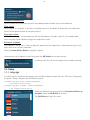
PVR-Button
Rewind-Button
Fast Forward-Button
PLAY/PAUSE-Button
STOP -Button
TV -Button
Record-Button
RADIO -Button
TEXT -Button
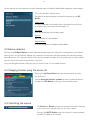
Important notes about operation
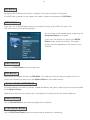
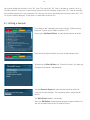
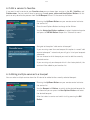
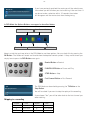
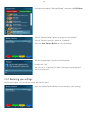
All functions of the Dreambox can be controlled via OSD-Menu (On-Screen-Display). This makes the handling of the Dreambox very easy for you. All options are indicated by four colored dots or beams (red, green,
yellow, blue) in the OSD-Menu and can be started with the Option-Buttons on the Remote Control.
Depending on the chosen Menu, these options do vary.
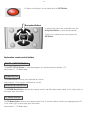
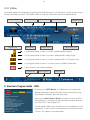
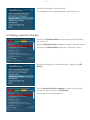
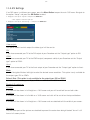
Pressing the PVR-Button on your remote control will activate the
PVR-Mode. The Infobar will also indicate this. It changes from
showing the channel information to showing the control
symbols for the PVR-Mode. (also see 7.2.1. Instant recording)