1
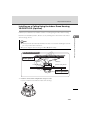
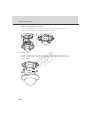
Step 4 Install the Camera
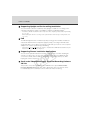
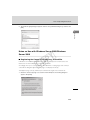
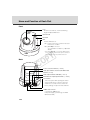
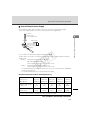
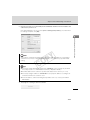
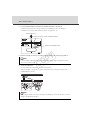
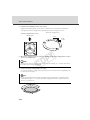
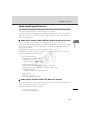
10. Install one screw to prevent the dome from turning.
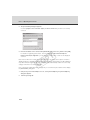
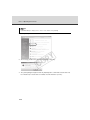
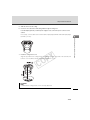
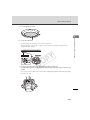
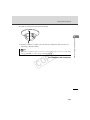
"Rebooting" ( Operation Guide).
Tip
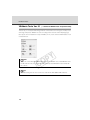
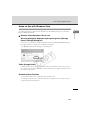
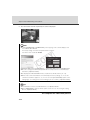
If the LED is on, light may reflect on the dome and enter the image. In this case, set the LED
Y
P
O
setting to [Turn Off] See "LED Setting" ( Operation Guide).
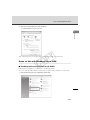
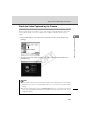
This completes the installation.
C
2-25
Initial Setting and Installation of Camera
11. When the installation is complete, reboot the camera to initialize the camera position. See