1
BIOS Setup
3
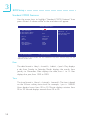
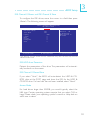
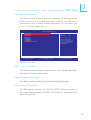
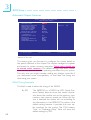
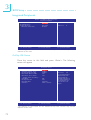
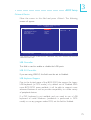
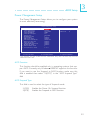
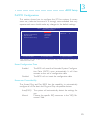
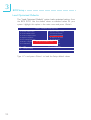
Hard Disk Boot Priority
This field is used to select the boot sequence of the hard drives.
Move the cursor to this field then press <Enter>. Use the Up or
Down arrow keys to select a device then press <+> to move it up
or <-> to move it down the list.
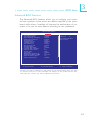
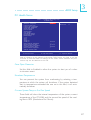
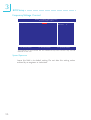
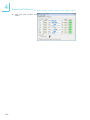
Phoenix - AwardBIOS CMOS Setup Utility
Hard Disk Boot Priority
1. Pri. Master :
2. Pri.Slave
:
3. Sec.Master :
4. Sec.Slave
:
5. USBHDD0 :
6. USBHDD1 :
7. USBHDD2 :
8. Bootable Add-in Cards
Item Help
Menu Level
XX
Use <↑> or <↓> to
select a device, then
press <+> to move it up,
or <-> to move it down
the list. Press <ESC> to
exit this menu.
↑↓:
Move
PU/PD/+/-: Change Priority
F10: Save
ESC: Exit
F5: Previous Values
F6: Fail-Safe Defaults
F7: Optimized Defaults
The settings on the screen are for reference only. Your version may not be
identical to this one.
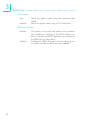
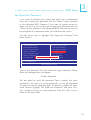
CPU L1 and L2 Cache
This field is used to speed up the memory access. Enable the external cache for better performance.
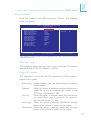
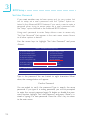
Hyper-Threading Technology
This field is used to enable the Hyper-Threading Technology.
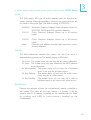
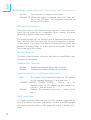
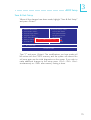
Quick Power On Self Test
This field speeds up Power On Self Test (POST) after you power on
the system. When Enabled, the BIOS will shorten or skip some check
items during POST.
65