1
Mazda6_8DL2-EA-13F_Edition1 Page331
Monday, June 10 2013 3:54 PM
Black plate (331,1)
Interior Features
Audio System
NOTE
l
l
l
l
l
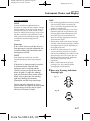
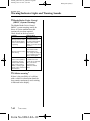
Connecting with connector cable
This mode may not be usable depending on
the portable audio device to be connected.
Before using the auxiliary jack/USB port,
refer to the instruction manual for the
portable audio device.
Use a commercially-available, nonimpedance (3.5 ) stereo mini plug for
connecting the portable audio unit to the
auxiliary jack. Before using the auxiliary
jack, read the manufacturer's instructions
for connecting a portable audio unit to the
auxiliary jack.
To prevent discharging of the battery, do
not use the auxiliary input for long periods
with the engine off or idling.
When connecting a device to the auxiliary
jack or USB port, noise may occur
depending on the connected device. If the
device is connected to the vehicle's
accessory socket, the noise can be reduced
by unplugging it from the accessory socket.
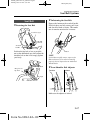
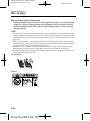
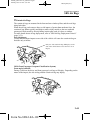
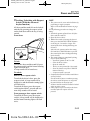
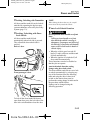
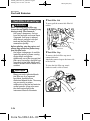
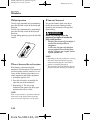
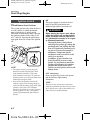
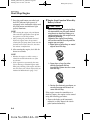
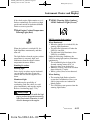
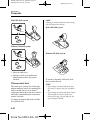
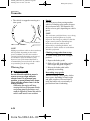
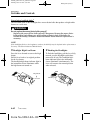
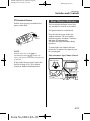
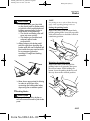
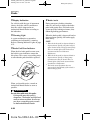
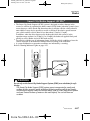
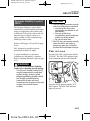
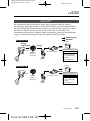
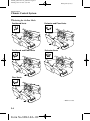
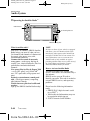
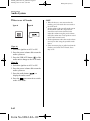
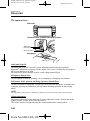
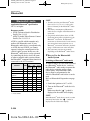
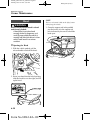
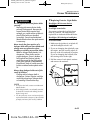
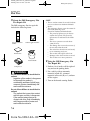
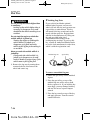
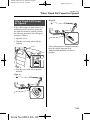
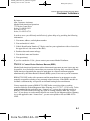
qHow to connect USB port/
Auxiliary jack
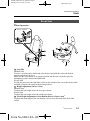
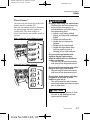
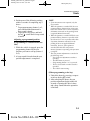
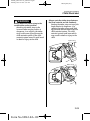
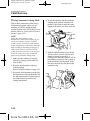
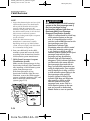
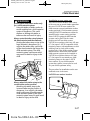
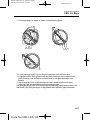
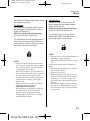
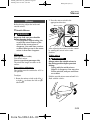
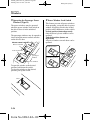
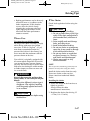
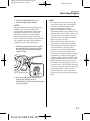
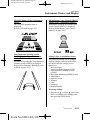
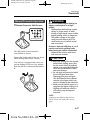
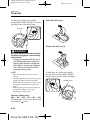
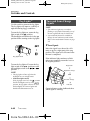
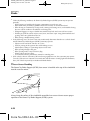
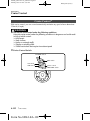
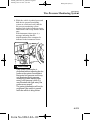
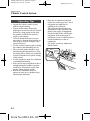
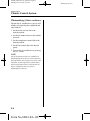
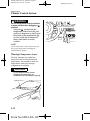
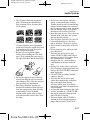
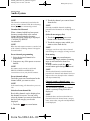
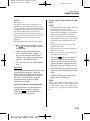
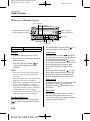
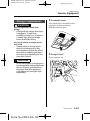
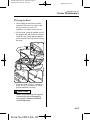
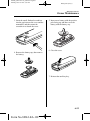
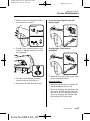
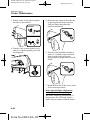
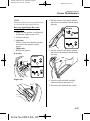
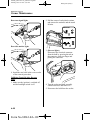
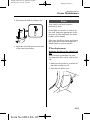
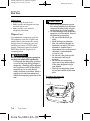
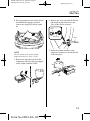
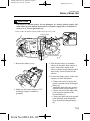
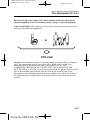
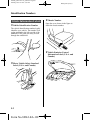
1. Open the console lid.
2. Open the auxiliary jack/USB port lid.
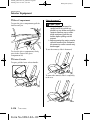
3. Pass the connection plug cord through
the cutout of the console and insert the
plug into the auxiliary jack.
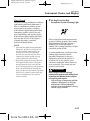
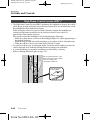
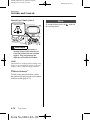
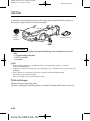
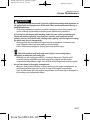
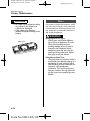
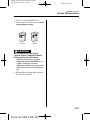
WARNING
Do not allow the connection plug cord
to get tangled with the parking brake
or the shift lever:
Allowing the plug cord to become
tangled with the parking brake or
the shift lever is dangerous as it
could interfere with driving, resulting
in an accident.
CAUTION
Do not place objects or apply force to
the auxiliary jack/USB port with the
plug connected.
NOTE
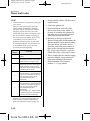
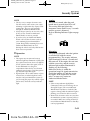
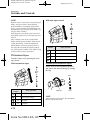
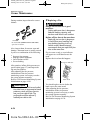
l
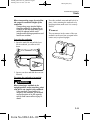
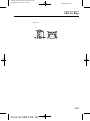
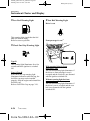
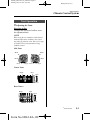
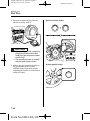
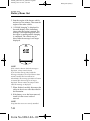
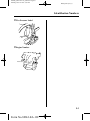
USB port
Auxiliary jack
l
l
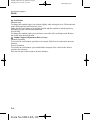
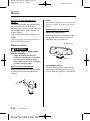
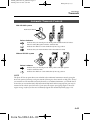
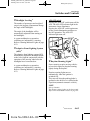
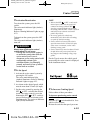
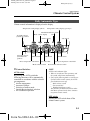
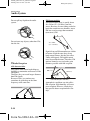
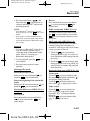
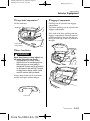
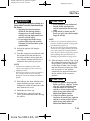
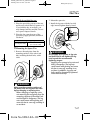
Insert the plug to the auxiliary jack/USB
port securely.
Insert or pull out the plug with the plug
perpendicular to the auxiliary jack/USB
port hole.
Insert or remove the plug by holding its
base.
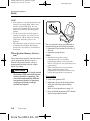
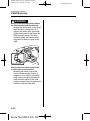
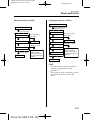
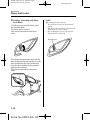
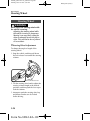
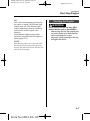
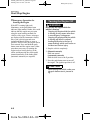
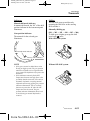
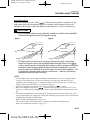
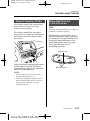
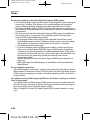
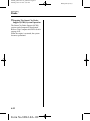
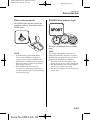
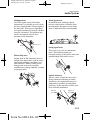
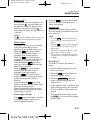
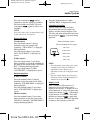
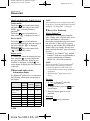
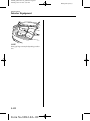
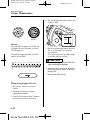
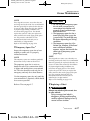
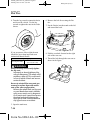
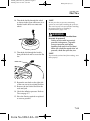
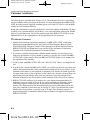
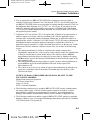
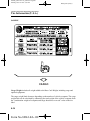
Connecting a device
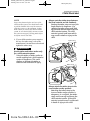
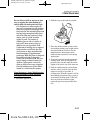
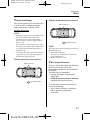
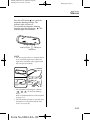
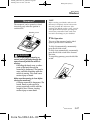
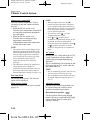
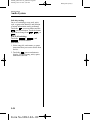
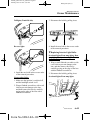
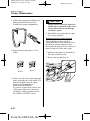
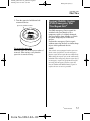
1. Open the console lid.
2. Open the auxiliary jack/USB port lid.
3. Connect the device plug to the USB
port.
5-61
Form No.8DL2-EA-13F