1
Storing the Desired Patch in a Different Bank
The desired Bank number must be specified when selecting the desired Patch on the
9000. Setting the required Patches, which are to be used in a piece of music, in the same
Bank makes the operation easy. The section explains how to move a Patch from one
Bank to another, and how to store the Patch with a different Patch number.
·
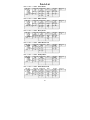
In the Play mode, select the desired Patch to be stored in the different
Bank.
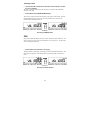
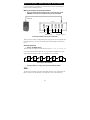
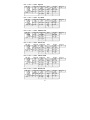
· Press the STORE key.
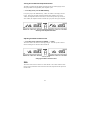
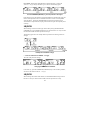
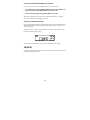
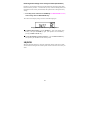
This operation puts the 9000 in a Standby status for the store operation, and both the
Bank number and Patch number start flashing.
STORE
VOL
100 31
STORE
31
CANCEL
·
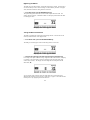
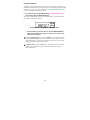
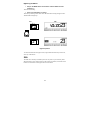
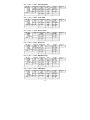
Using the BANK DOWN/UP key and the PATCH 1 to 4 key(s), specify the
Bank number and then the Patch number with which the Patch is to be
stored.
Note:
When store operation of new data is carried out, the data currently being stored in the
Bank will be deleted first. Be sure that the Patch currently being stored is not necessary.
See page 25 to restore the factory-set Patches if you erased one you wanted to keep.
·
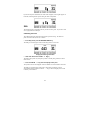
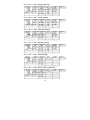
Press the STORE key again, This operation stores the Patch in the
Bank.
Helpful hint:
Pressing the EDIT/CANCEL key instead of pressing the STORE key for the second time
stops the store operation, and the 9000 goes back into the Play mode.
16