1
Alarms
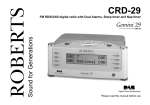
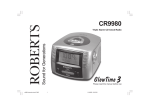
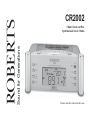
Your clock radio is equipped with two alarms which can be operated
independently of each other.
1
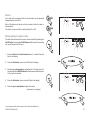
Each of the alarms can be set so that you wake to either the radio or
buzzer alarms.
The alarms can be set with the radio switched On or Off.
1
Setting alarms to wake to radio
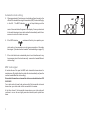
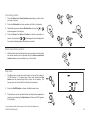
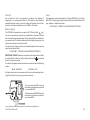
The radio alarm will sound for one hour unless turned off by pressing the
On/Off button. Pressing the On/Off button whilst the alarm is sounding
will cancel the alarm for 24 hours.
2
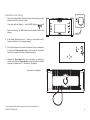
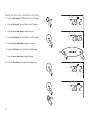
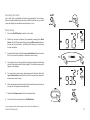
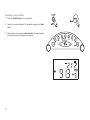
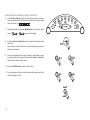
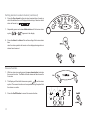
1. Press the Alarm 1 or Alarm 2 buttons alarm 1 or alarm 2 time will
flash in the display.
2. Press the Set button, alarm hour will flash in the display.
3
3
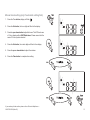
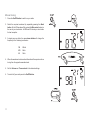
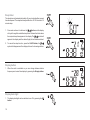
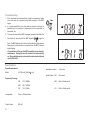
3. Press the up or down button to adjust the hour. The clock uses a 12
hour display with a AM/PM indicators. Please ensure that the correct
12 hour cycle is selected.
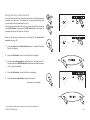
4. Press the Set button, alarm minute will flash in the display.
4
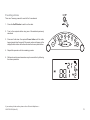
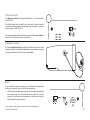
5. Press the up or down button to adjust the minute.
(continued on next page)
5
5
If you need any further advice, please call our Technical Helpline on :020 8758 0338 (Mon-Fri)
14