1
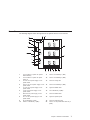
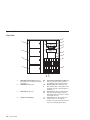
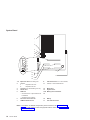
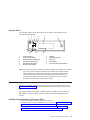
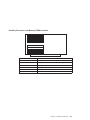
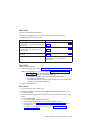
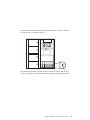
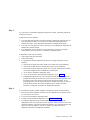
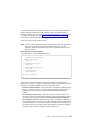
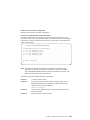
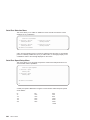
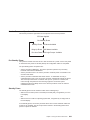
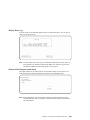
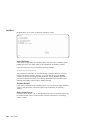
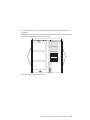
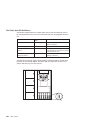
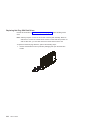
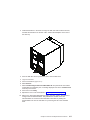
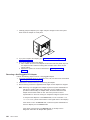
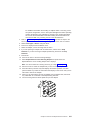
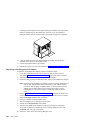
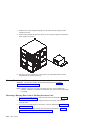
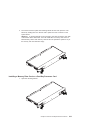
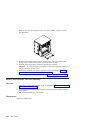
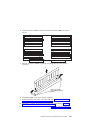
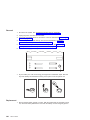
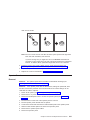
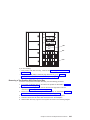
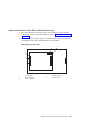
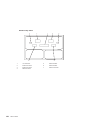
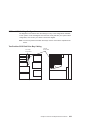
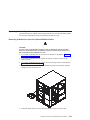
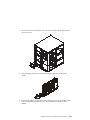
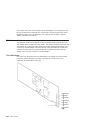
13. Remove the disk drive by pulling the disk drive lever toward you until it is
completely open. Then remove the disk drive from the slot. The LED on the top of
the slot will turn off when the disk drive is removed.
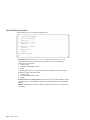
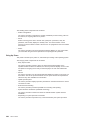
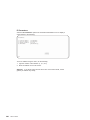
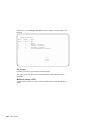
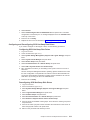
14. Press F10 to exit smitty.
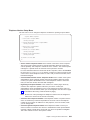
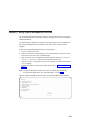
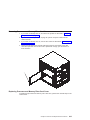
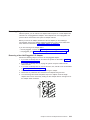
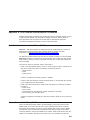
Replacing Hot-Plug SCSI Disk Drives
Notes:
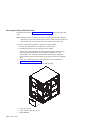
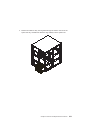
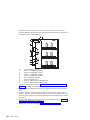
1. A six-position disk drive bay is required for hot-plugging of disk drives.
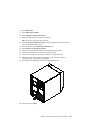
2. Disk drives for the two-position drive bay cannot be installed with the power on. See
“Replacing Non-Hot-Plug Drives” on page 359.
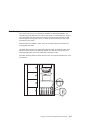
Review the information in “Disk Drive Options” on page 307 before installing a disk
drive.
Chapter 9. Removal and Replacement Procedures
311