1
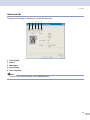
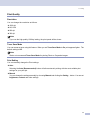
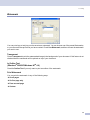
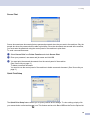
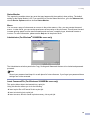
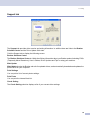
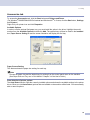
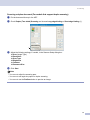
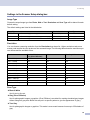
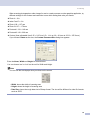
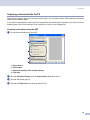
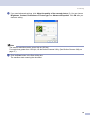
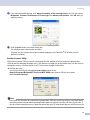
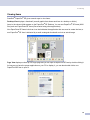
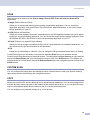
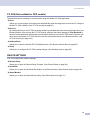
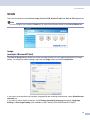
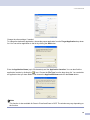
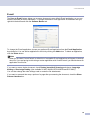
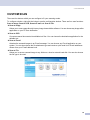
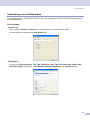
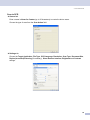
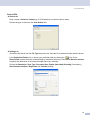
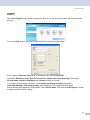
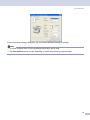
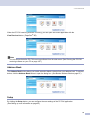
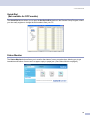
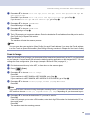
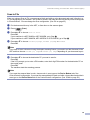
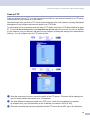
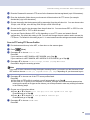
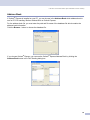
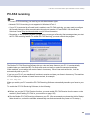
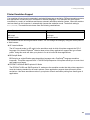
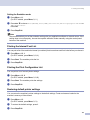
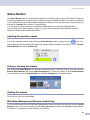
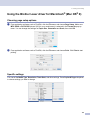
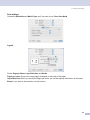
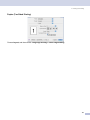
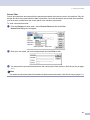
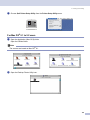
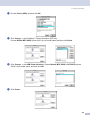
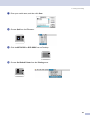
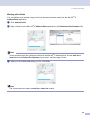
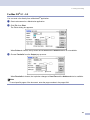
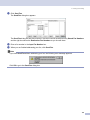
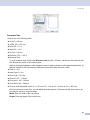
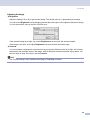
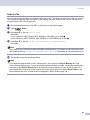
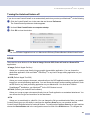
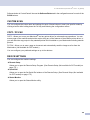
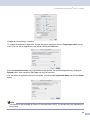
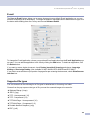
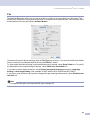
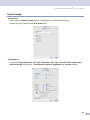
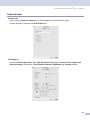
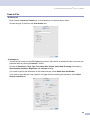
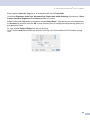
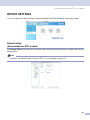
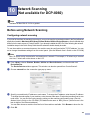
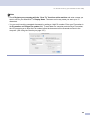
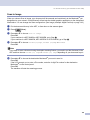
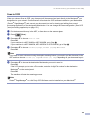
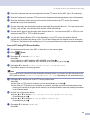
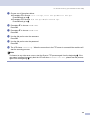
9. ControlCenter2 (For Mac OS ® 10.2.4. or greater) Scan to File 9 General tab Enter a name in Name for Custom (up to 30 characters) to create the button name. Choose the type of scan from the Scan Action field. Settings tab Choose the file format from the File Type pop-up menu. Save the file to the default folder or choose your preferred folder by clicking the Browse... button. Choose the Resolution, Scan Type, Document Size, Duplex (two-sided) Scanning (if necessary), Show Scanner Interface, Brightness and Contrast settings. If you want to specify the destination of the scanned image, check Show Save As Window. If you want to scan and then crop a portion of a page after pre-scanning the document, check Show Scanner Interface box. 158