1
User Manual
Note:
Compliance Test System 3.0
The CTS 3.0 system has the added capability of calibrating out any DC component on the
input channels. This capability did not exist in CTS 1.X so no calibration coefficients are
converted for DC offset. The CTS 3.0 will assume a 0 DC offset. If there is any concern
about DC offset, a DC offset calibration can be performed if needed.
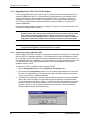
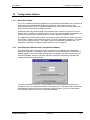
3.12.2 Checking Configuration Settings
Once the new software has been installed, it is important to check the configuration settings for
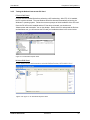
the flicker reference impedance. This can be done by running the Configuration program located
in the Compliance Test System program group.
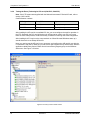
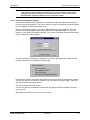
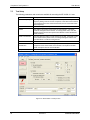
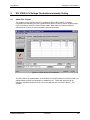
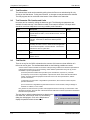
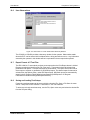
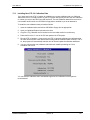
Start the configuration program. A user name and password entry box will appear. The user
name is used to track changes made to the calibration and configuration data. To check the
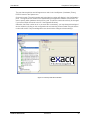
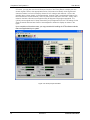
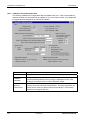
settings, no user name or password is needed. Click on the View/Update Calibration information
button to display the current settings.
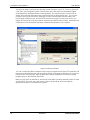
Check the selection of the System Configuration in the lower right hand corner. Make sure this
selection reflects the actual impedance method used.
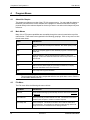
If the setting is incorrect, close the configuration screen and re-launch the configuration program.
This time you will have to unlock the settings so you can make the relevant change. Enter your
user name and the following password:
CAL_LOCK followed by the Enter Key.
You can now open the configuration screen again and change the flicker impedance setting to
the correct one.
When done, close the screen to save the new settings.
California Instruments
Revision N
65