1
Chevrolet Equinox and GMC Terrain Navigation System - 2011
Black plate (101,1)
Infotainment System
Navigation
Navigation
Navigation
Navigation
hide
hide
hide
hide
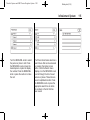
[ATM/ATMs]
[hotel/hotels]
[airport/airports]
[shop/shops]
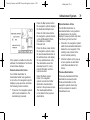
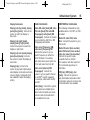
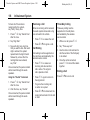
Destination and Guidance
Commands
Navigation [go to] preset
destination [number] one
Navigation [go to] preset
destination [number] two
Navigation [go to] preset
destination [number] three
Navigation [go to] preset
destination [number] four
Navigation [go to] preset
destination [number] five
Navigation [go to] preset
destination [number] six
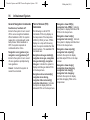
Navigation delete [destination/
route/next waypoint]
Route (used in conjunction with
another command)
Next waypoint (used in
conjunction with another
command)
Add to waypoint (used in
conjunction with another
command)
Replace destination (used in
conjunction with another
command)
Yes (used in conjunction with
another command)
No (used in conjunction with
another command)
Destination (used for
Destination VR entry, available
in English language only)
Voice Tag Commands
Navigation [go to] <Voice Tag>
101
Phone
Bluetooth
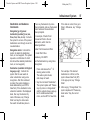
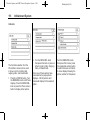
For vehicles equipped with
Bluetooth capability, the system
can interact with many cell phones,
allowing:
.
Placement and receipt of calls in
a hands-free mode.
.
Sharing of the cell phone’s
address book or contact list
with the vehicle.
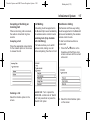
To minimize driver distraction,
before driving, and with the vehicle
parked:
.
Become familiar with the
features of the cell phone.
Organize the phone book and
contact lists clearly and delete
duplicate or rarely used entries.
If possible, program speed dial
or other shortcuts.
.
Review the controls and
operation of the infotainment
and navigation system.
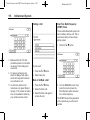
OnStar Command (if equipped)
Hands Free