1
Chevrolet Equinox and GMC Terrain Navigation System - 2011
78
Black plate (78,1)
Infotainment System
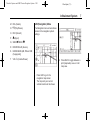
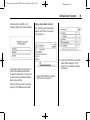
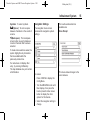
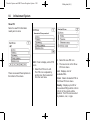
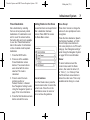
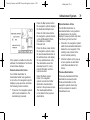
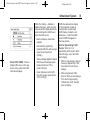
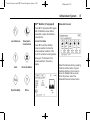
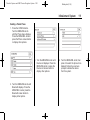
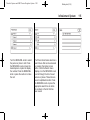
Save: Press to save a location to
the Address Book.
Show POI: Press to turn POI
on or off. Select from a list
of six pre-programmed POI
sub-categories. Scroll through
a list of categories, or select
nearby and on route options.
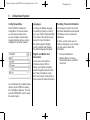
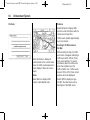
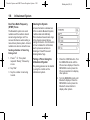
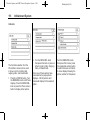
OnStar® Destination
Download
The Destination Download lets
an OnStar® subscriber ask the
OnStar call center to download
a destination. OnStar will send
address information and location
coordinates of the destination into
the navigation system.
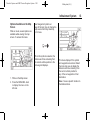
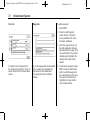
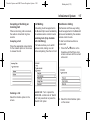
Using Destination Download
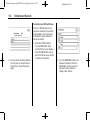
If the navigation radio screen
is turned off before a download,
the system automatically turns the
screen on and displays a download
confirmation message. The radio
remains on after the download.
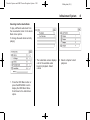
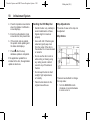
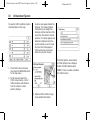
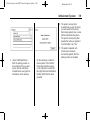
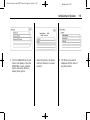
The navigation system displays
a “Please wait” as the address is
searched within the map database.
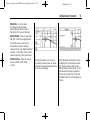
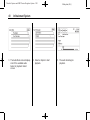
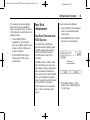
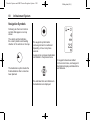
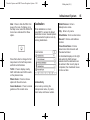
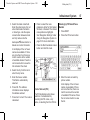
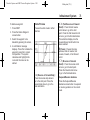
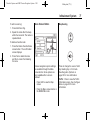
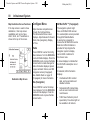
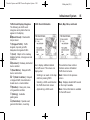
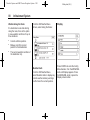
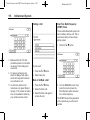
Press this screen button to minimize
the guidance window and expand
the map window.
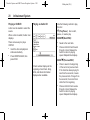
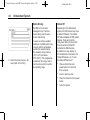
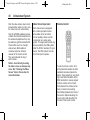
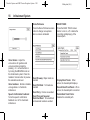
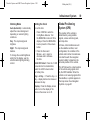
Whole Route: Press to view the
entire route from starting point to
destination on the map.
Cancel Guidance: Press to stop
the current route.
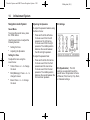
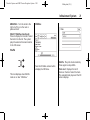
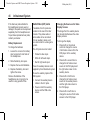
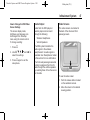
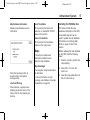
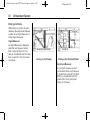
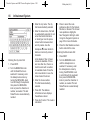
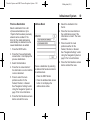
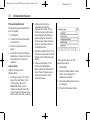
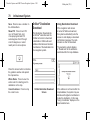
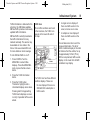
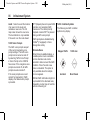
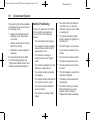
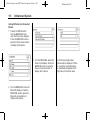
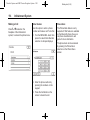
OnStar Destination Download
Screen
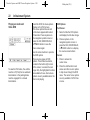
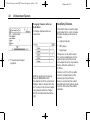
If the address is not found within the
map database, the system may use
latitude and longitude coordinates to
locate the destination. In this case,
“Using Coordinates” displays on the
downloaded screen.