1
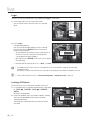
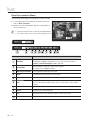
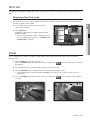
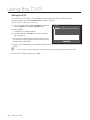
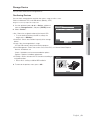
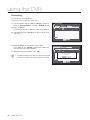
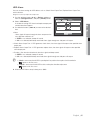
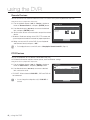
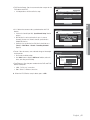
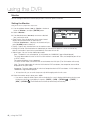
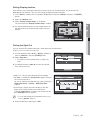
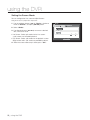
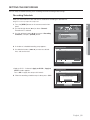
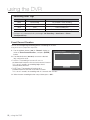
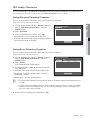
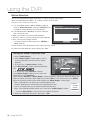
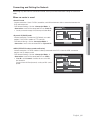
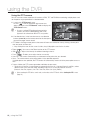
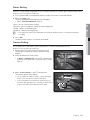
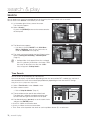
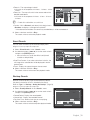
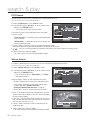
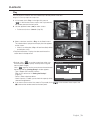
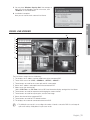
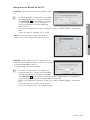
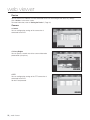
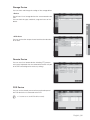
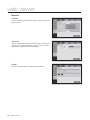
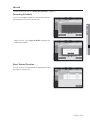
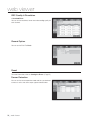
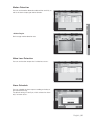
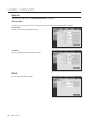
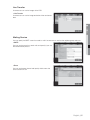
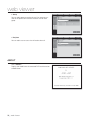
web viewer Saving the Live Screen on the PC • CAPTURE : Saves the current screen into a BMP or JPEG file. M The default saving path is “C:\Program Files\Samsung\DVR Web Viewer\SnapShot\Live”. To change the saving path, click )> button and then select the path you <SAVE PATH ( want. For Windows Vista or 7, the saving path is “C:\users\ (user ID)\AppData\LocalLow\Samsung\DVR Web Viewer\ SnapShot\” by default. The file is automatically named as following : “IP address_Port number_YYYYMMDD_HHMMSS_camera number_ index” Ex) 192.168.1.200_554_20120101_134132_01_00 • PRINT : Prints out the selected screen out of the currently displayed live screens. It also prints the IP address, time, camera number and the current event status together. • RECORD : Saves the current image on the screen and saves it as a avi video file. M To record it, it is required at least 1GB of available space. The default saving path is “C:\Program Files\Samsung\DVR Web Viewer\VideoClip\Live”. To change the saving path, click )> button and then select the path you <SAVE PATH ( want. For Windows Vista or 7, the saving path is “C:\users\ (user ID)\AppData\Local-Low\Samsung\DVR Web Viewer\VideoClip\”. The file is automatically named as following : “IP address_Port number_YYYYMMDD_HHMMSS_camera number_ index” Ex) 192.168.1.200_554_20120101_135105_01_00 For AVI Save, you need the H.264 codec for playing saved files. HDD Minimum Free Size : During the recording, if there is no more capacity available in the HDD than set free space will prompt with a popup message : “Cannot record due to insufficient disc space in the HDD”. 80_ web viewer