1
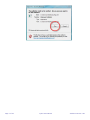
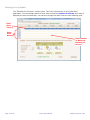
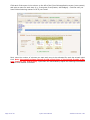
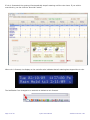
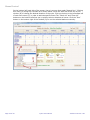
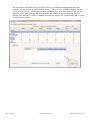
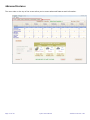
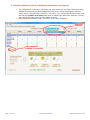
The middle portion of the Schedule for Controller screen displays your watering schedule. On the left, you
see the names of the zones as you assigned them. On the right, you see the watering times in minutes for
each start time for each day and zone. You can easily change any name or watering time by simply typing
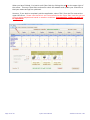
over the current entry. After changing any entries, click “Save Schedule” to save your changes
and send them to the controller.
Page 25 of 43
Cyber-Rain Manual
Software Version 3.00