1
Solution Technology Overview
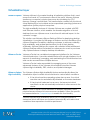
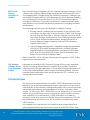
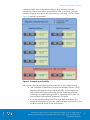
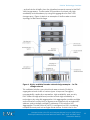
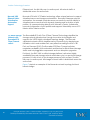
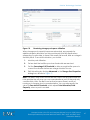
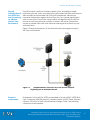
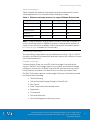
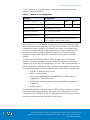
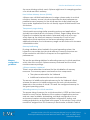
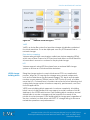
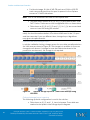
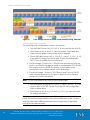
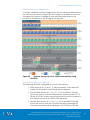
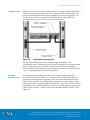
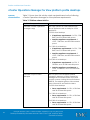
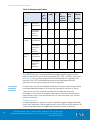
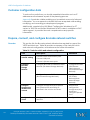
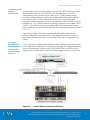
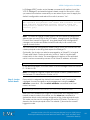
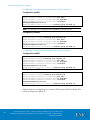
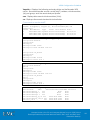
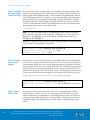
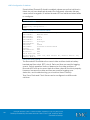
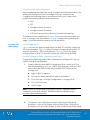
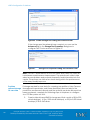
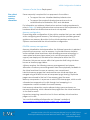
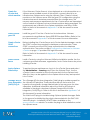
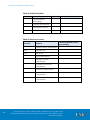
Figure 8. Storage pool rebalance progress
LUN expansion
Use pool LUN expansion to increase the capacity of existing LUNs. It allows
for provisioning larger capacity as business needs grow.
The VNX family enables you to expand a pool LUN without disrupting user
access. You can expand a pool LUN with a few simple clicks and the
expanded capacity is immediately available. However, you cannot
expand a pool LUN if it is part of a data-protection or LUN-migration
operation. For example, you cannot expand snapshot LUNs or migrating
LUNs.
LUN shrink
Use LUN shrink to reduce the capacity of existing thin LUNs. VNX can shrink
a pool LUN. This capability is only available for LUNs served by Windows
Server 2008 and later. The shrinking process involves these steps:
1.
Shrink the file system from Windows Disk Management.
2.
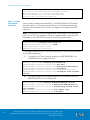
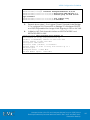
Shrink the pool LUN using a command window and the DISKRAID
utility. The utility is available through the VDS provider, which is part
of the EMC Solutions Enabler package.
The new LUN size appears as soon as the shrink process is complete. A
background task reclaims the deleted or shrunk space and returns it to the
storage pool. Once the task is complete, any other LUN in that pool can
use the reclaimed space.
For detailed information on LUN expansion and shrinkage, refer to the EMC
VNX Virtual Provisioning - Applied Technology white paper, available on
EMC Online Support.
VMware Horizon View 5.3 and VMware vSphere for up to 2,000 Virtual
Desktops Enabled by Brocade Network Fabrics, EMC VNX, and EMC NextGeneration Backup
45