1
The Black Box Toolkit
Page 35 of 98
8.2.1. Tutorial 1: Measuring synchrony between visual and auditory stimulus
presentation
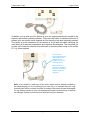
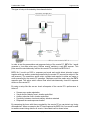
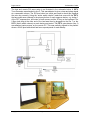
In order to measure synchrony between visual and auditory stimulus materials you will
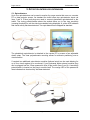
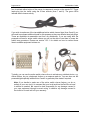
need to make use of one or more BBTK Digital Microphones [optional extra]. For this
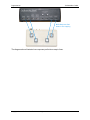
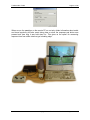
tutorial detectors are plugged into the following lines on the BBTK:
•
•
line 1: BBTK Digital Microphone
line 3: Opto-detector
The paradigm on the remote PC is as follows:
•
•
•
•
•
800x600 bitmapped stimulus image is displayed until a response is detected
Audio tone is played for 1000ms
The tone should be synchronised with the first frame of the visual presentation
After a response there is a 1000 ms wait period in which feedback is displayed
Screen resolution is 800x600 at 100Hz
Using DSC we can check the following timings:
•
•
•
•
Whether the tone is played for 1000ms
Whether the bitmap and tone are synchronised
Whether there is a 1000ms wait period after a response
Whether the refresh rate is 100Hz
Armed with accurate timing information we can reduce or increase the duration of the
bitmap or tone so that it is displayed for the correct amount of time. We can improve the
synchrony by moving either stimulus onset forward or backward. Remember we will be
detecting both the timing error within the paradigm and also within the hardware being
used to present stimulus materials, e.g. the sound card and speakers.
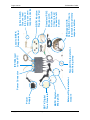
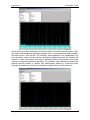
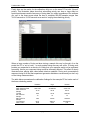
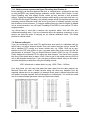
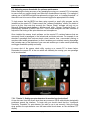
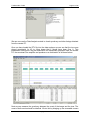
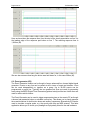
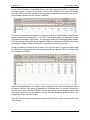
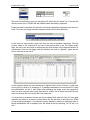
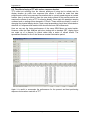
An overview of the expected experimental sequence is shown below.
Copyright © 2004 The Black Box Toolkit Ltd. All rights reserved.