1
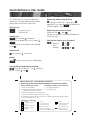
Intercom
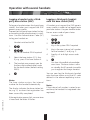
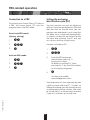
Duplex calls between handset and
base station
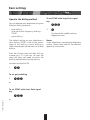
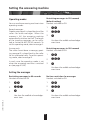
From base station to handset
(global call)
˜
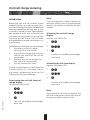
With the intercom feature you can set up
a duplex connection between handset and
base station. An incoming outside telephone call is signalled by a call waiting
tone. The call can be answered by pressing
the internal key and digit key 1. The connection indicator lights up (red LED).
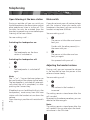
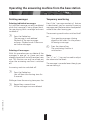
Briefly press the internal
key on the base station
The internal ringing tone rings on
all the registered handsets
Press
fl on the handset.
Make the call …
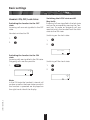
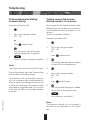
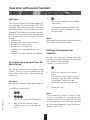
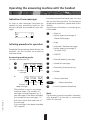
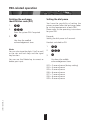
From handset to base station
Handset switched to ON
1.
2.
Note:
The "+" or "–" key on the base station
can be used to adjust the volume to five
levels.
Ë
Press
on the handset.
The connection indicator lights up.
8
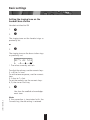
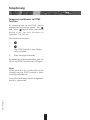
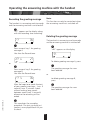
To end the call, press the Connect key
(handset) or the internal key on the base
station.
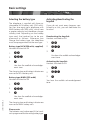
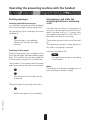
The internal ringing tone rings on
the base station.
The connection indicator (red LED)
lights up.
3.
Press
˜ on the base station.
20BA312004/A0_en
Make the call …
28