1
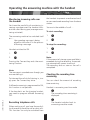
Operating the answering machine with the handset
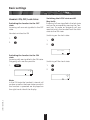
Monitoring incoming calls over
the handset
the handset to prevent unauthorised and/
or non-monitored recording from the base
station.
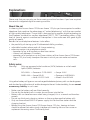
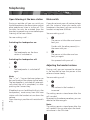
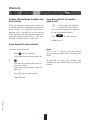
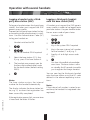
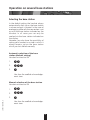
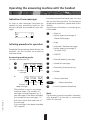
You have the possibility of monitoring incoming messages over the handset without the caller hearing you (message monitoring activated).
You are in the middle of a call …
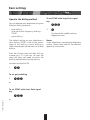
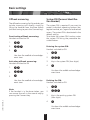
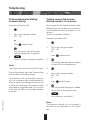
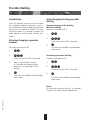
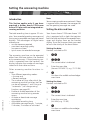
To start recording:
The answering machine has switched itself
on …
Your greeting message is being
played or the caller is in the process
of leaving a message
1.
Handset switched to ON.
1.
1.
2.
2.
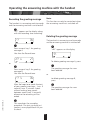
To stop the recording:
‚
Ë
2.
‚
Ë
Note:
If the amount of storage space available is
exceeded during the recording, the recording automatically comes to an end.
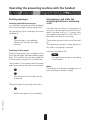
The recording ends as soon as the call is
completed.
Pressing the Connect key ends the monitoring function.
Note:
The message is recorded even though you
are monitoring it.
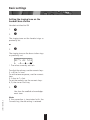
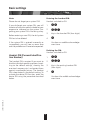
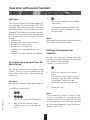
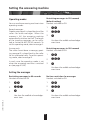
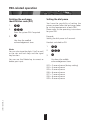
Checking the recording time
remaining
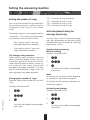
To intercept the call while listening in, simply press the Connect key twice.
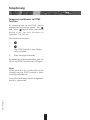
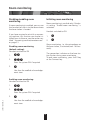
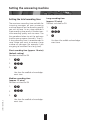
You can check the amount of recording
time remaining.
If offhook answering is programmed to ON,
this function is not possible.
Handset in answering machine mode
8
If the handset is on the charging bracket,
you need to program offhook answering
OFF.
20BA312004/A0_en
‚
Ë
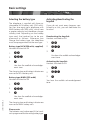
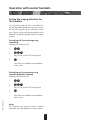
The recording time remaining is
displayed.
2
Recording telephone calls
The handset switches back to
answering machine mode.
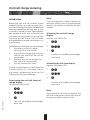
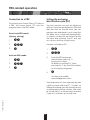
When making a call, you have the possibility of recording the entire call or parts of it.
This function can only be activated from
45